

+ Applicable Taxes
Flow Pro
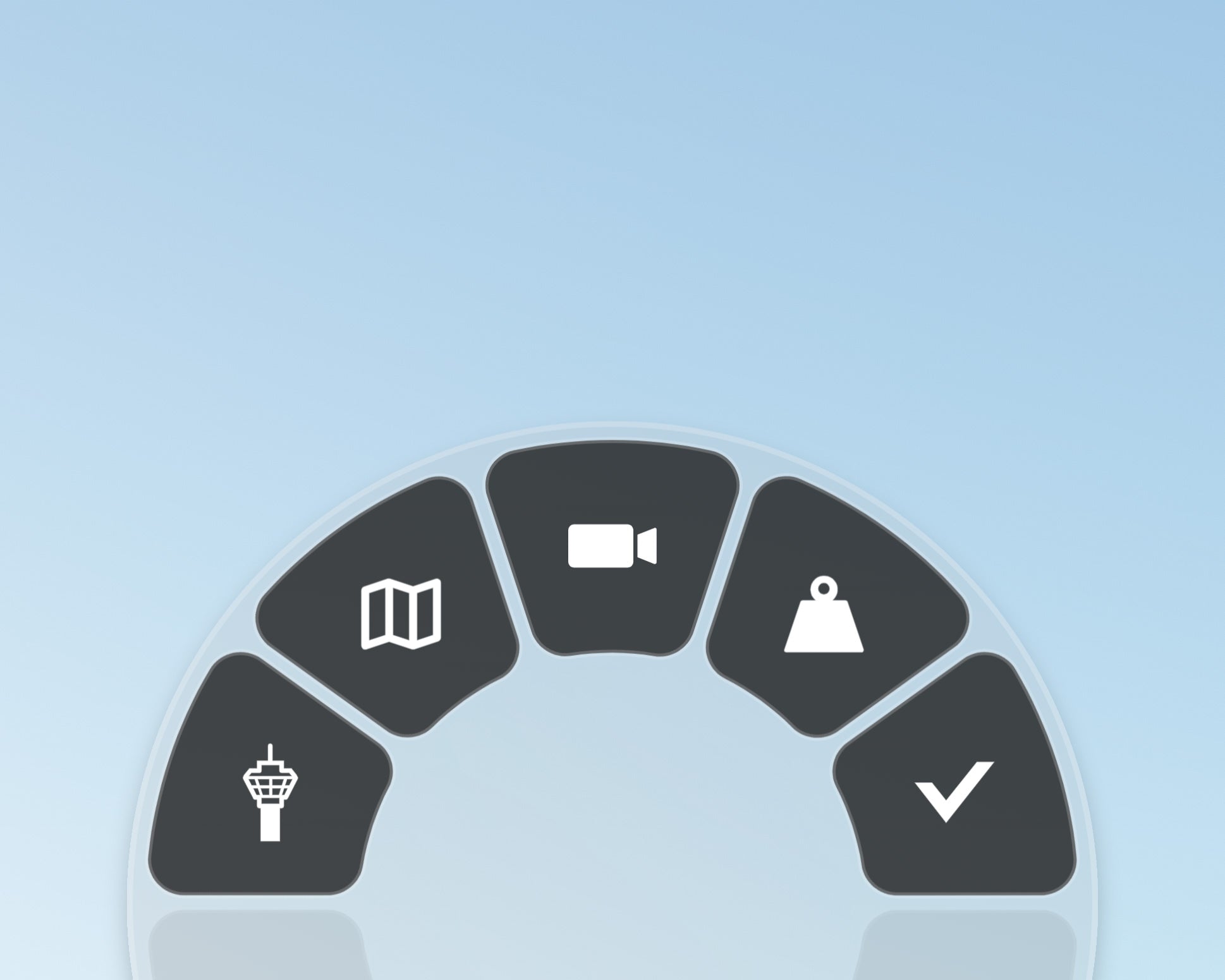
Flow brings a highly intuitive and easy-to-navigate in-game interaction wheel into Microsoft Flight Simulator 2024.
Our revolutionary menu system challenges the status quo and offers a new and improved way of accessing and interacting with information. Navigating a row of ever-growing control panels in a single toolbar can be cumbersome.
//42 is the answer. Goodbye toolbar, hello Flow!
Multi-tool
Man.... it does a lot!
Pro is a platform for power users. With Flow Pro and basic JavaScript knowledge, you can create custom widgets and share them! Not into scripting? Find a widget online for your favorite aircraft or function, and import it directly into a wheel.
Twitch.TV integrations further enrich the experience for content creators by patching flight info into your chatroom via custom ! commands. Want to go faster than the wheel? Try shorthand in the “Otto” search bar where LL = Landing Lights!
Goodbye Toolbar
Hello Flow
Flow can fully replace the sim's default toolbar with an easy to use and fully customizable menu wheel.
The Wheel
Easy Access
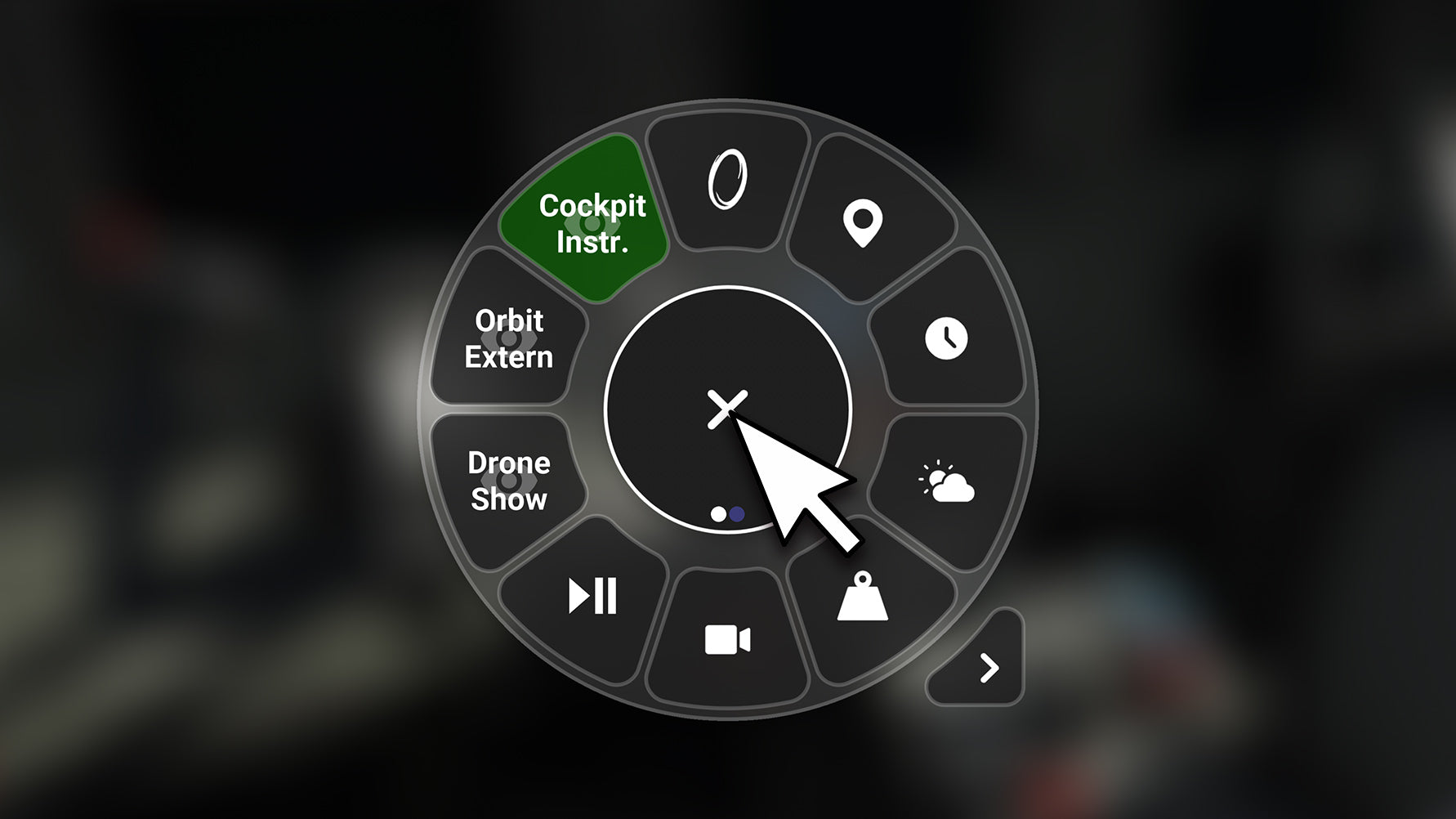
Bind a button or key for quick access to the wheel and all your widgets.
Have the wheel appear where your mouse is located, or always centered on-screen.
The Wheel
It's YOUR Flow
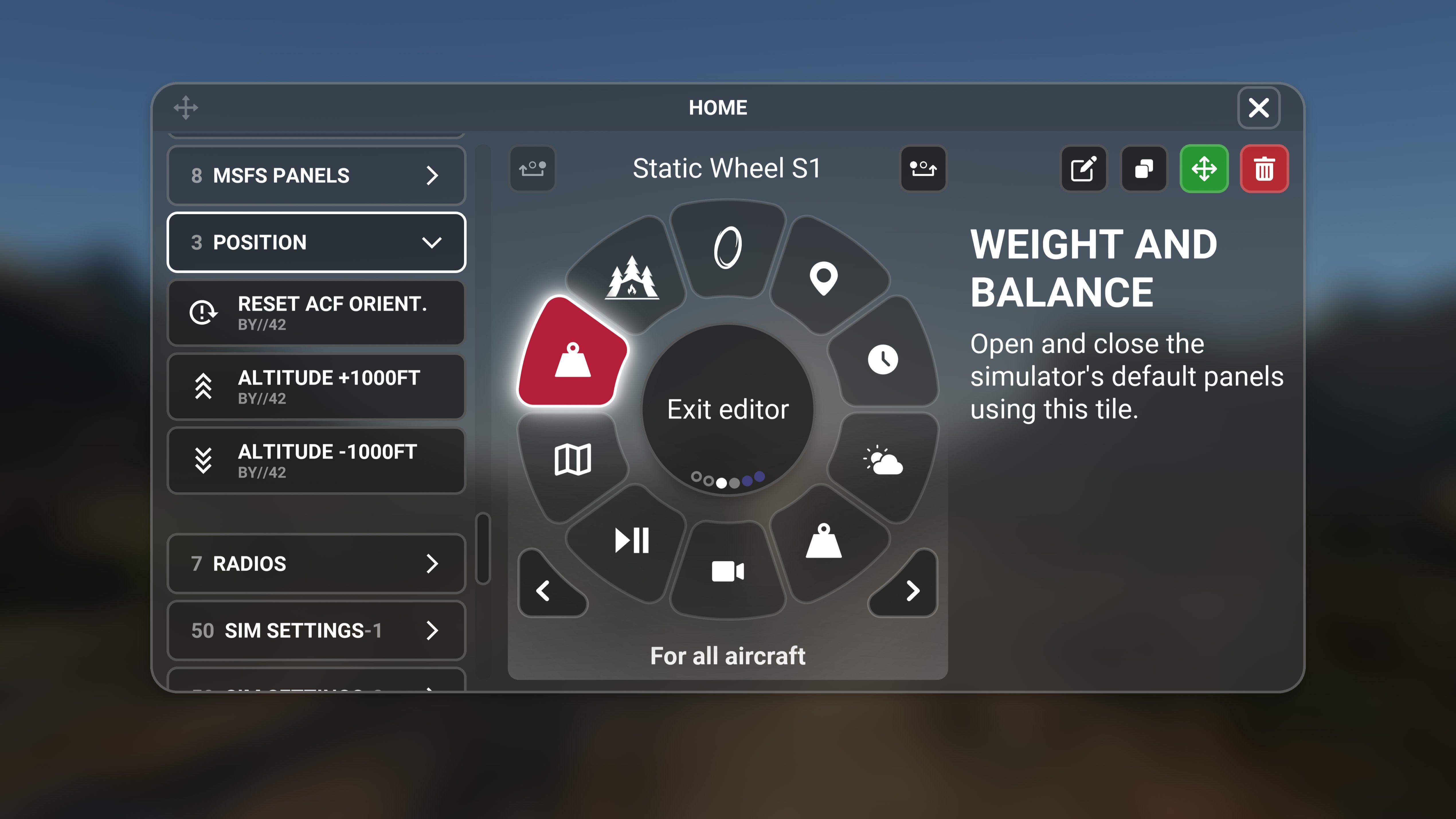
Add, remove, and rearrange widgets to your liking. You can even create additional pages in the editor view, and scroll thru them in-sim.
With Flow, you create your own menu system and prioritize the items most matter to you.
The Wheel
Aircraft Specific
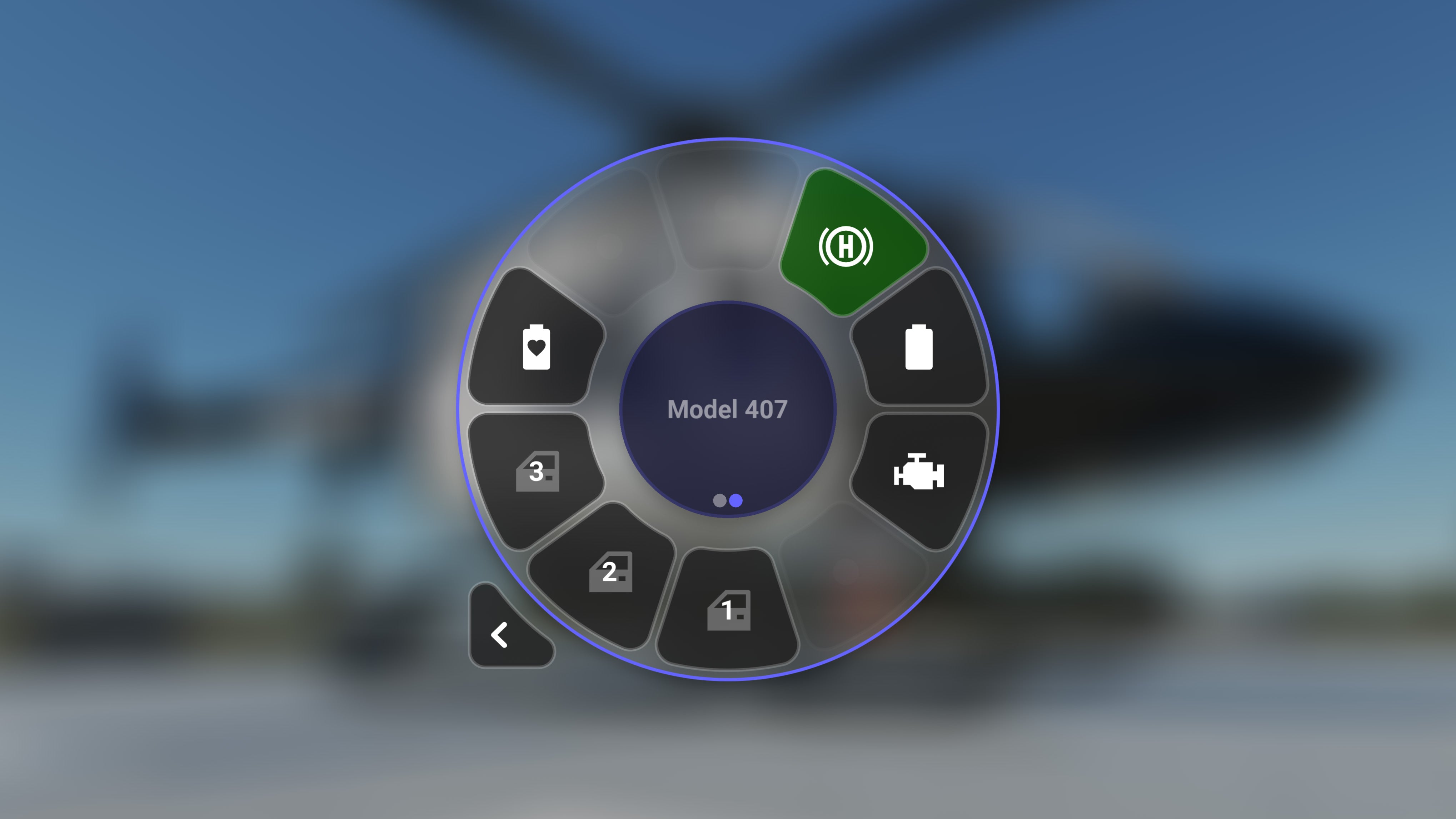
Dynamic wheels are blue and customizable per aircraft, allowing you to select the specific tools you need based on your current flying style.
For example, you could have IFR tools in a PMDG 737 wheel and VFR tools in a //42 Fox2 wheel.
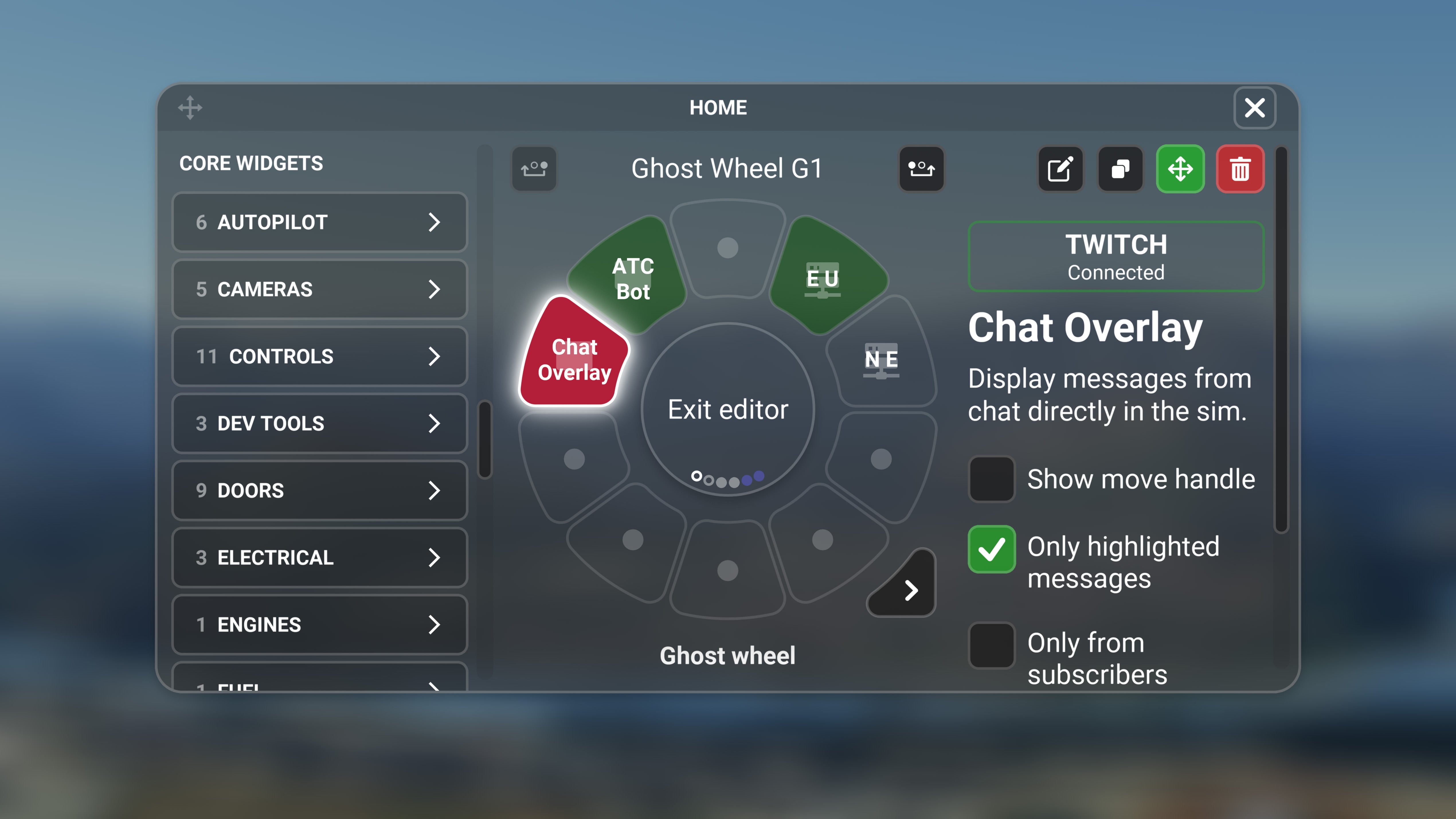
The Wheel
Background Widgets
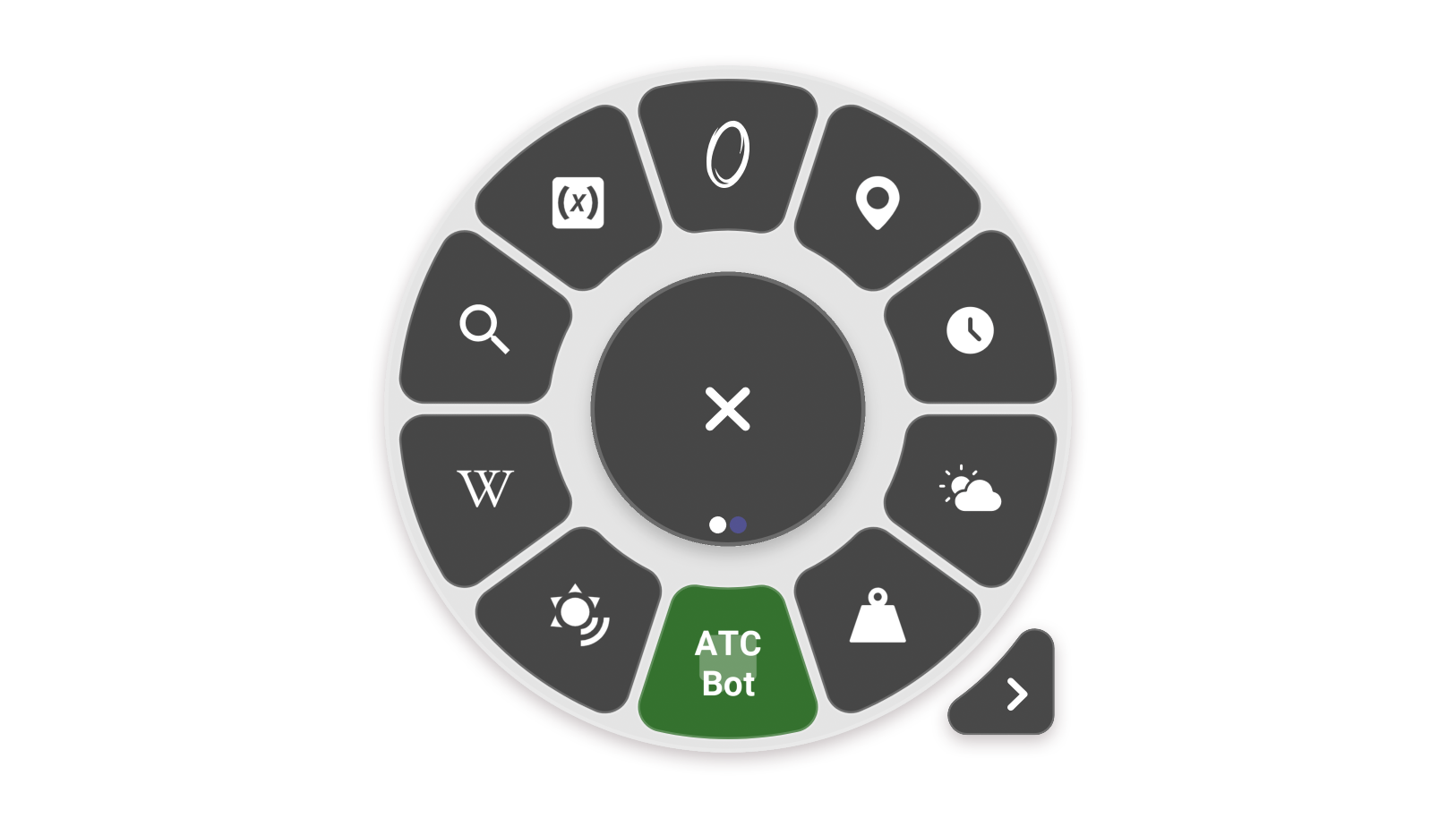
If you have widgets that don't require in-sim access, like wheel skins, bots, integrations, and info overlays, Ghost Wheels are perfect for them.
Add these widgets to your Ghost Wheels, and they will run in the background.

Default Bar, Wanna keep it?
No Problem.
The default toolbar can be enabled/disabled from the Flow settings.
We even make it prettier for you by removing the white triangle.
Better Game Panels
Custom panels, better experience.
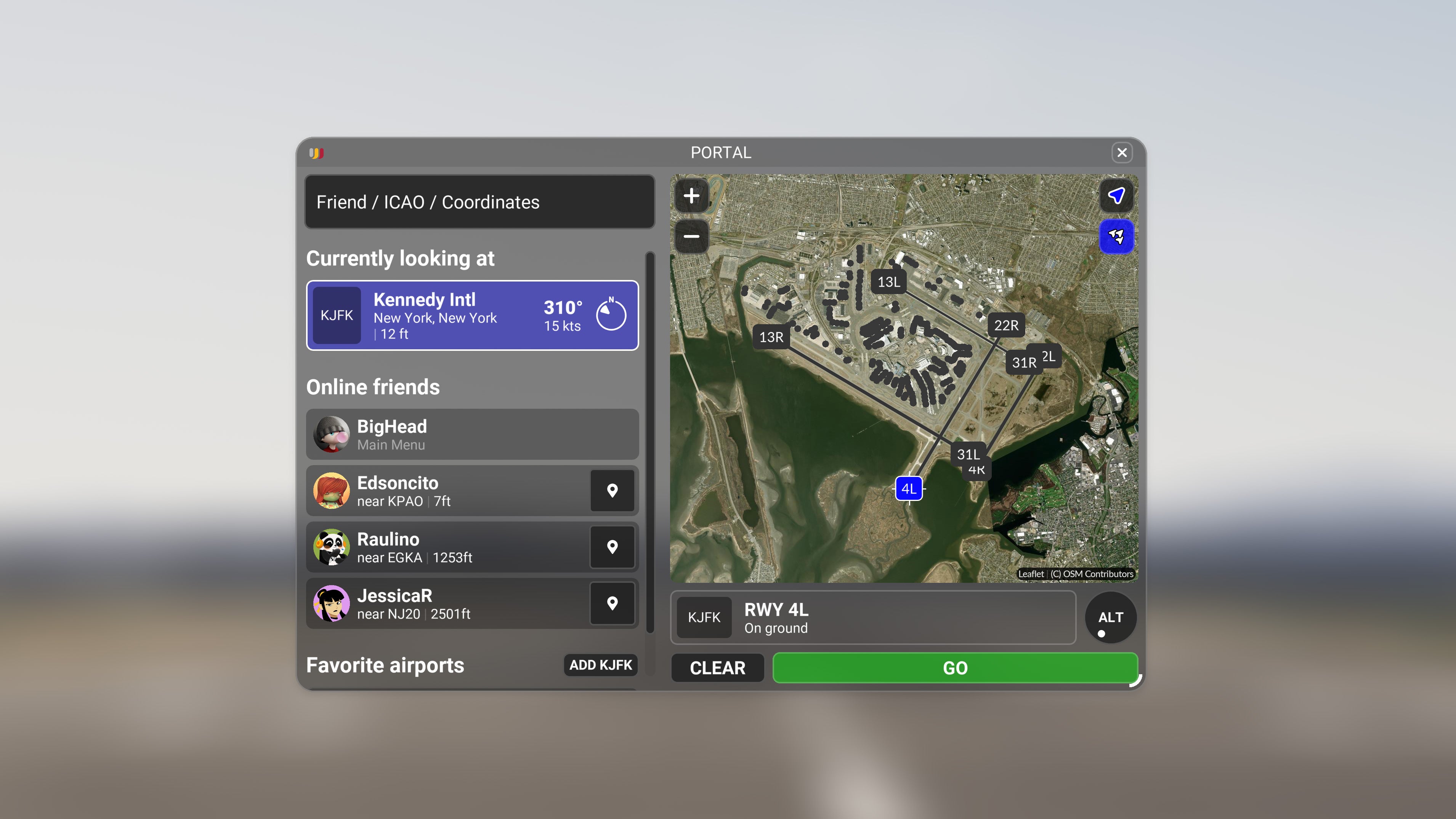
Panel
Portal
- Find friends online while in the sim, and teleport to them.
- Mark Favorite Airports to quickly browse conditions on the ground.
Imagine being able to find your friends at-a-glance without having to exit to the World Map! With Portal, you can do just that and more!
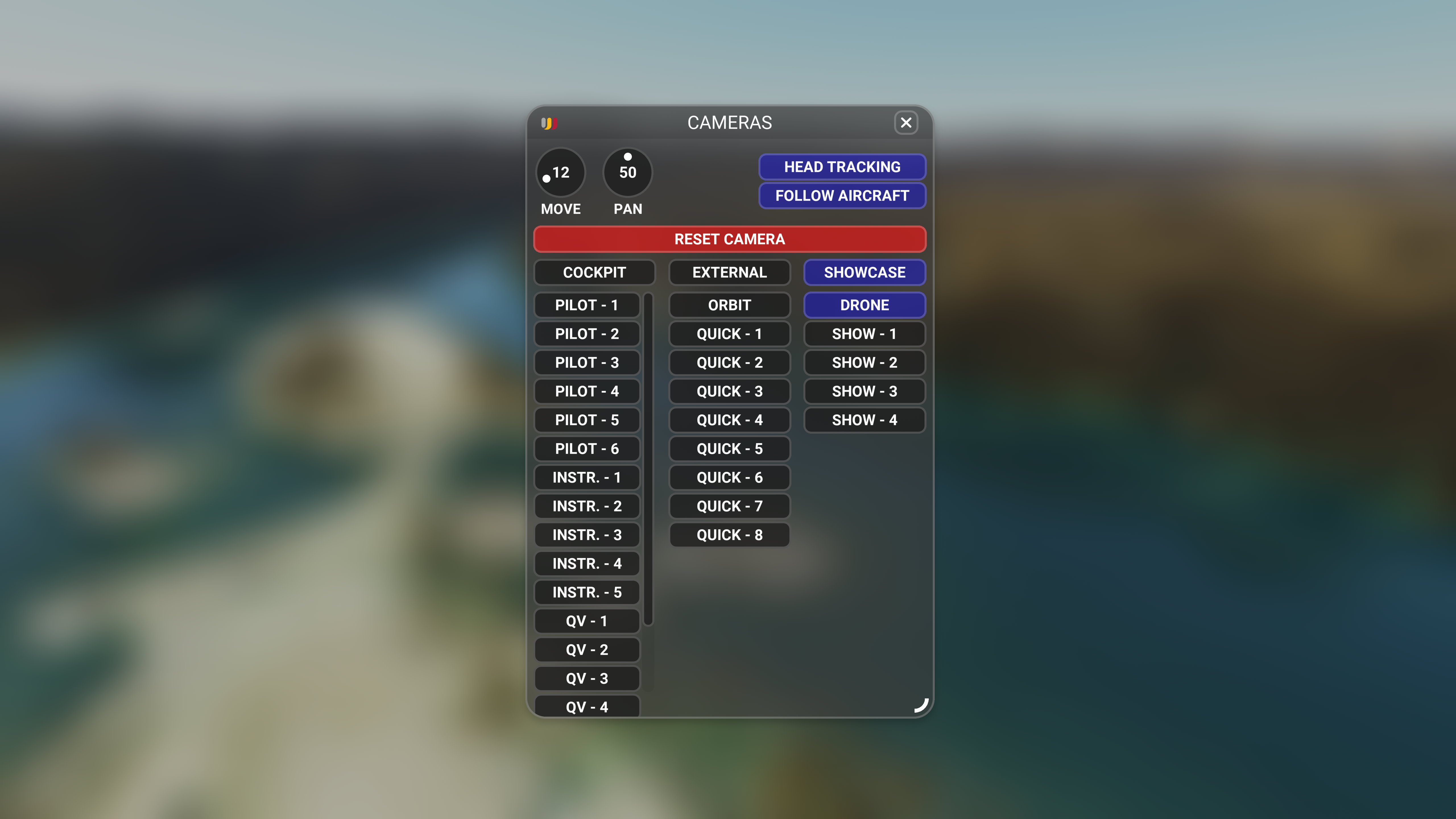
Panel
Cameras
- A quick switcher panel to expose camera angles you may never know you had.
It’s not ChasePlane, but it helps you reach hidden default camera angles way faster. These views come straight from the sim & aircraft devs. Think of it like a broadcast style switcher, everything laid out in a quick select panel so you can jump to any camera with a click.
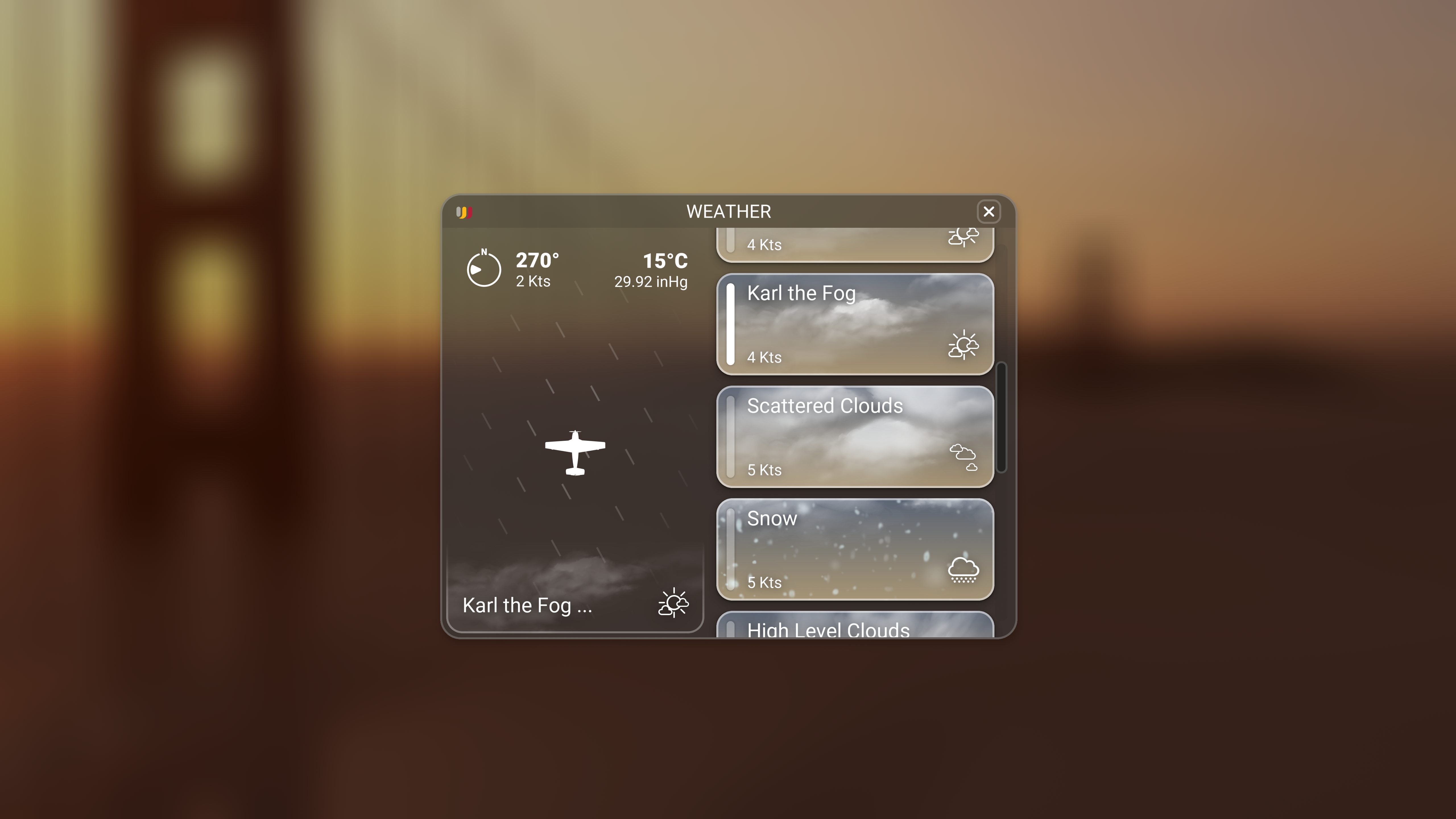
Panel
Weather
- Visualize winds or search and swap weather presets instantly.
We built a weather panel with the most valuable information and a visualizer based on your current position.
But we didn't stop there; there's a search bar to find a preset when you know exactly what you want and a randomizer button for when you don't!
Panel
Time
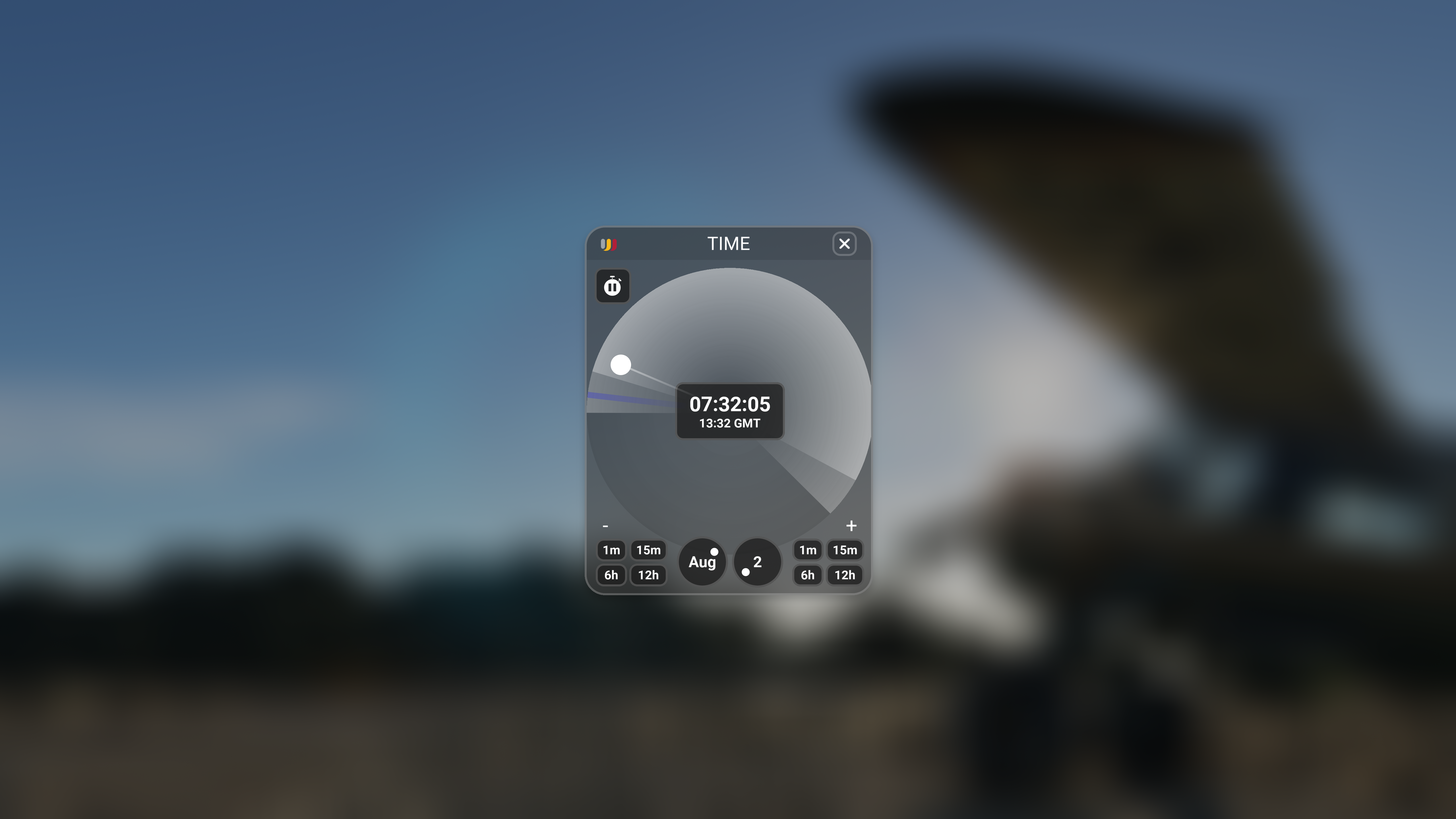
- Fine-tune time with a live adjustment slider.
- You could also lock the time for the perfect "forever" sunset. Perfect for screenshot artists!
From playing Mother Nature to becoming Father Time. Our time widget is the end all for managing time. We took the familiar concept of a clock and built a live slider that you can grab and drag to perfection.
Each end of the day/night cycle is highlighted to help you find sunrise and sunset. Want to freeze time? You can do that too!
Panel
Position
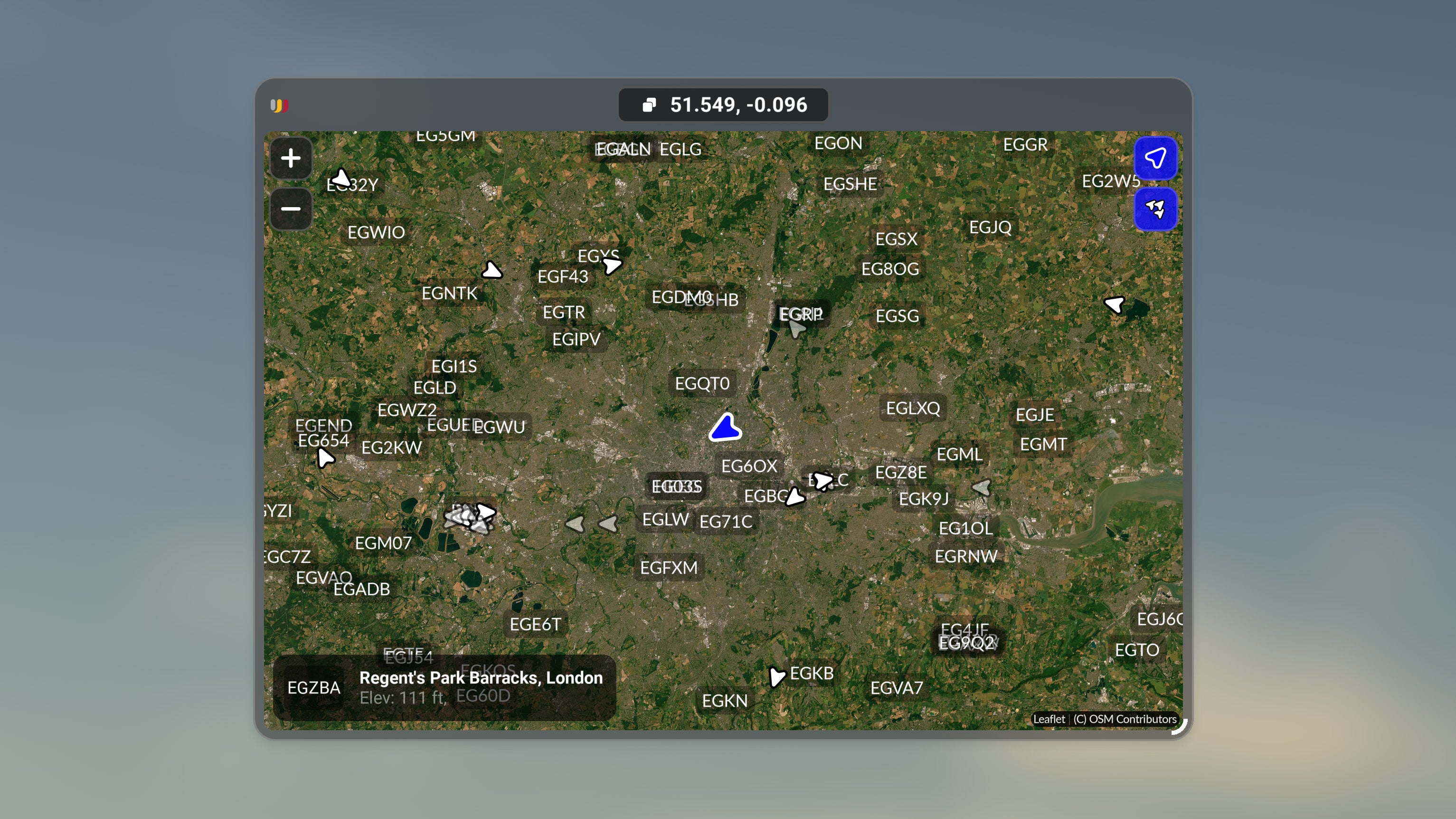
- View your current aircraft position on a moving map, along with any traffic in your airspace and your nearest airport at a glance.
Our Position widget is a lean approach to a moving map with minimal design elements, such as colors and labels.
Reducing visual clutter allows us to focus on important information. View your current position, terrain elevation changes, air traffic, and nearby airports.
Aviator Tools
Efficiency is king.
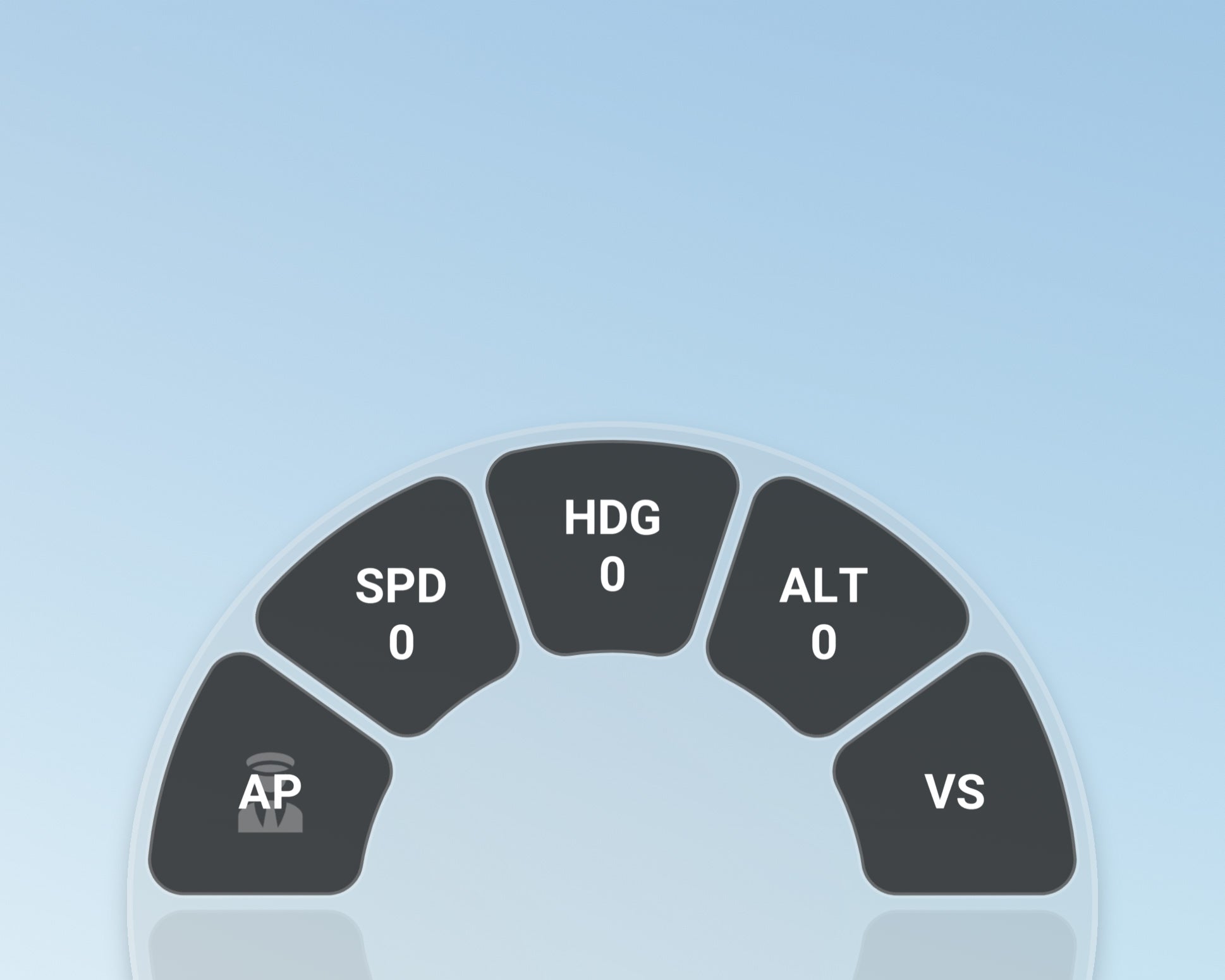
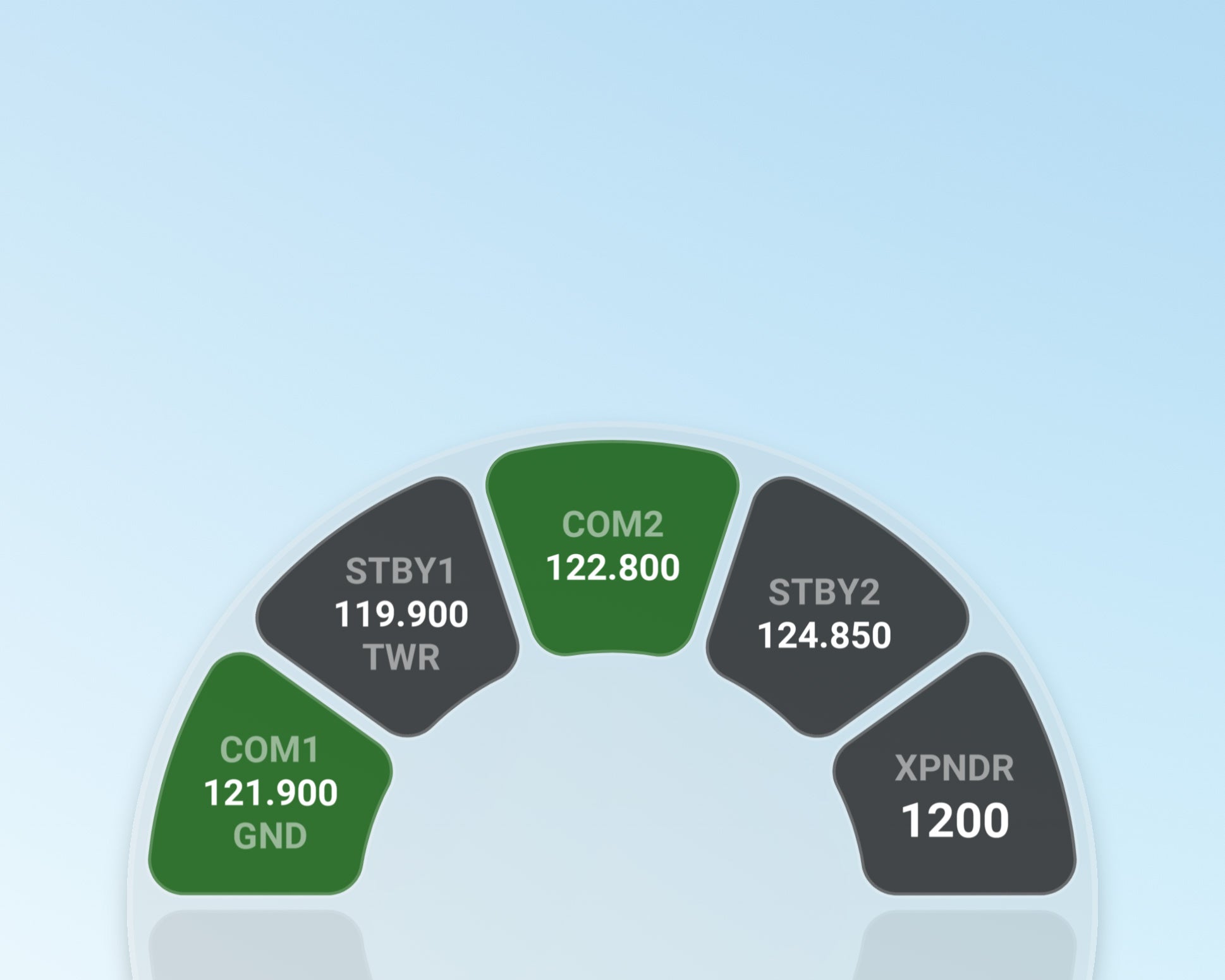
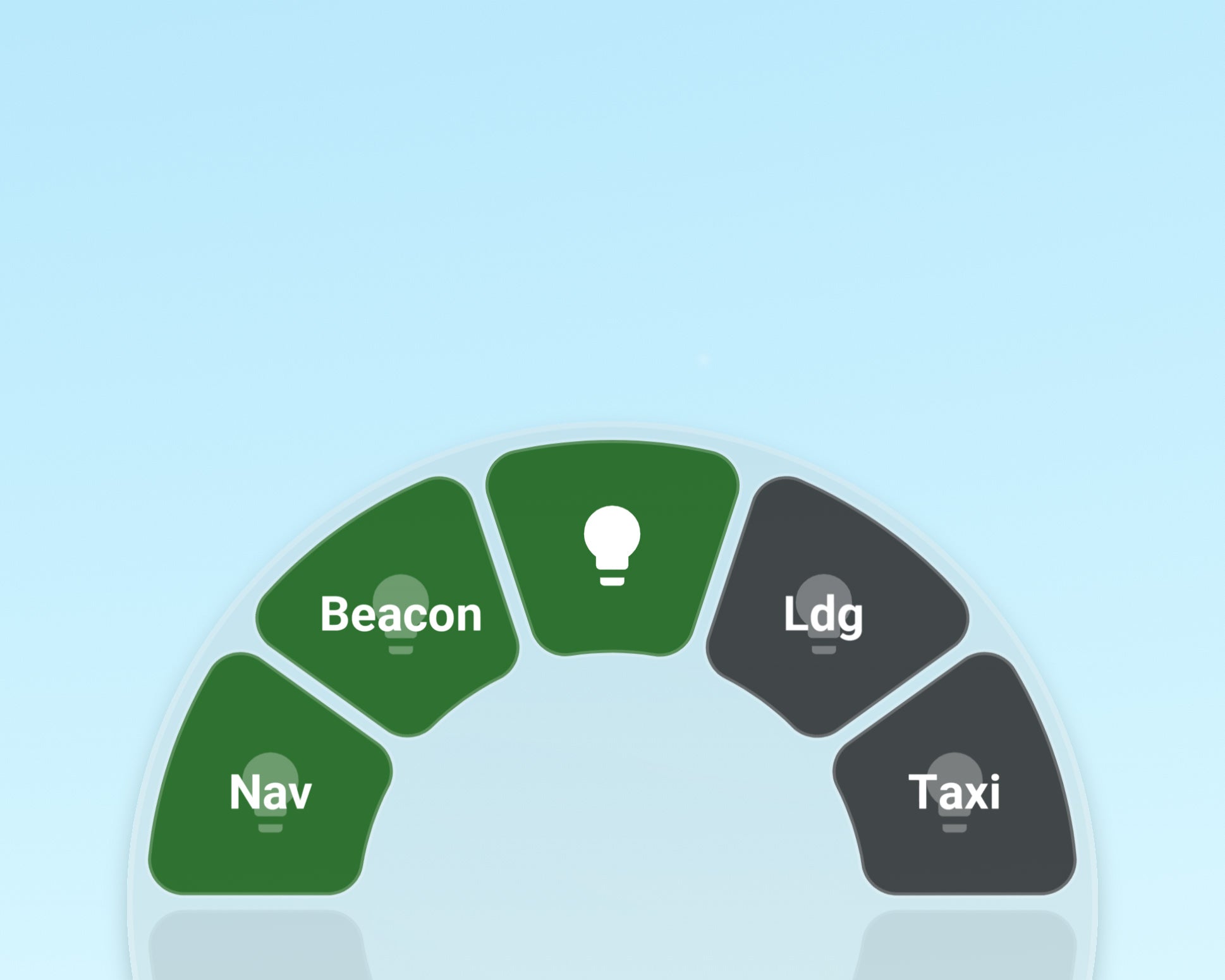
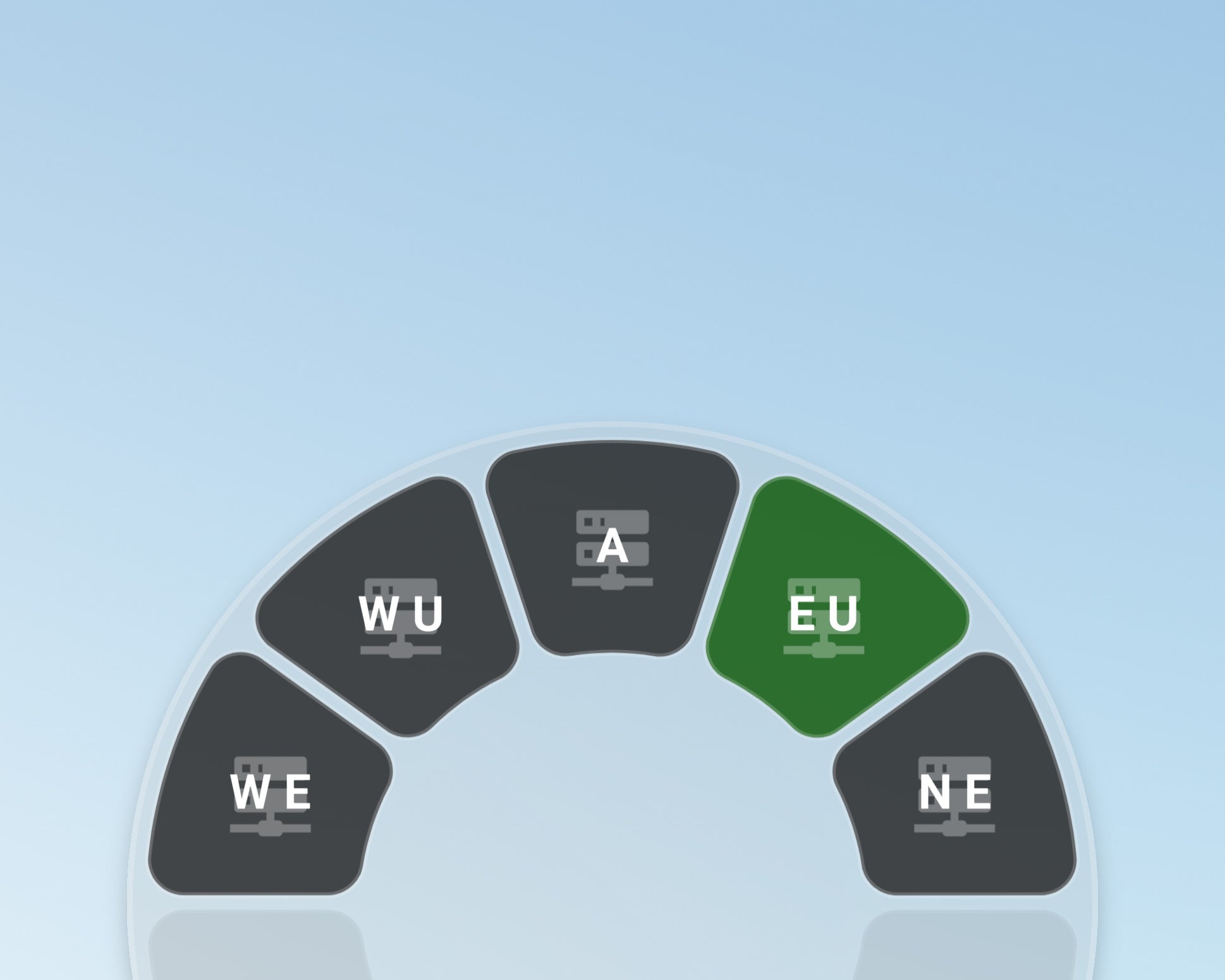
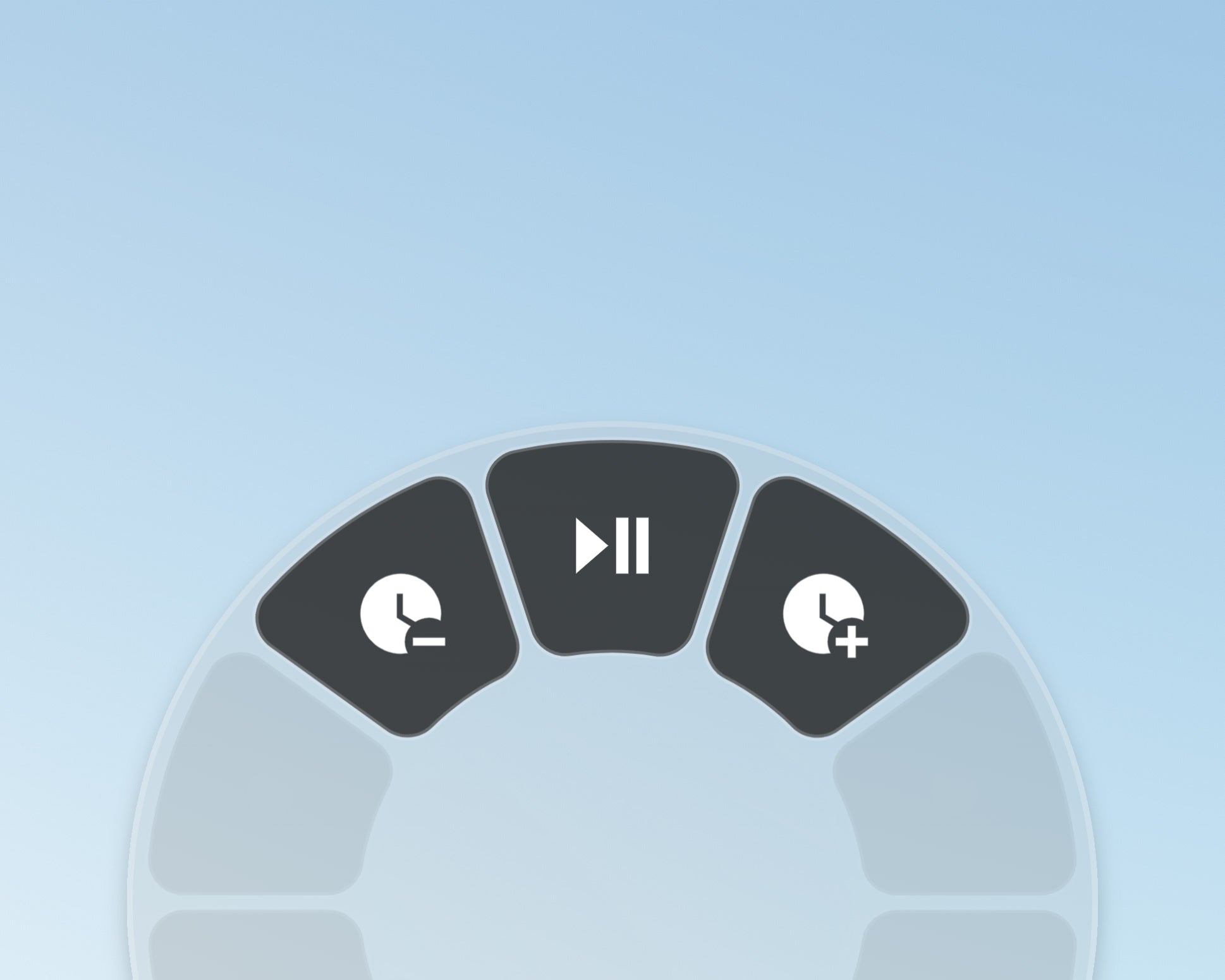
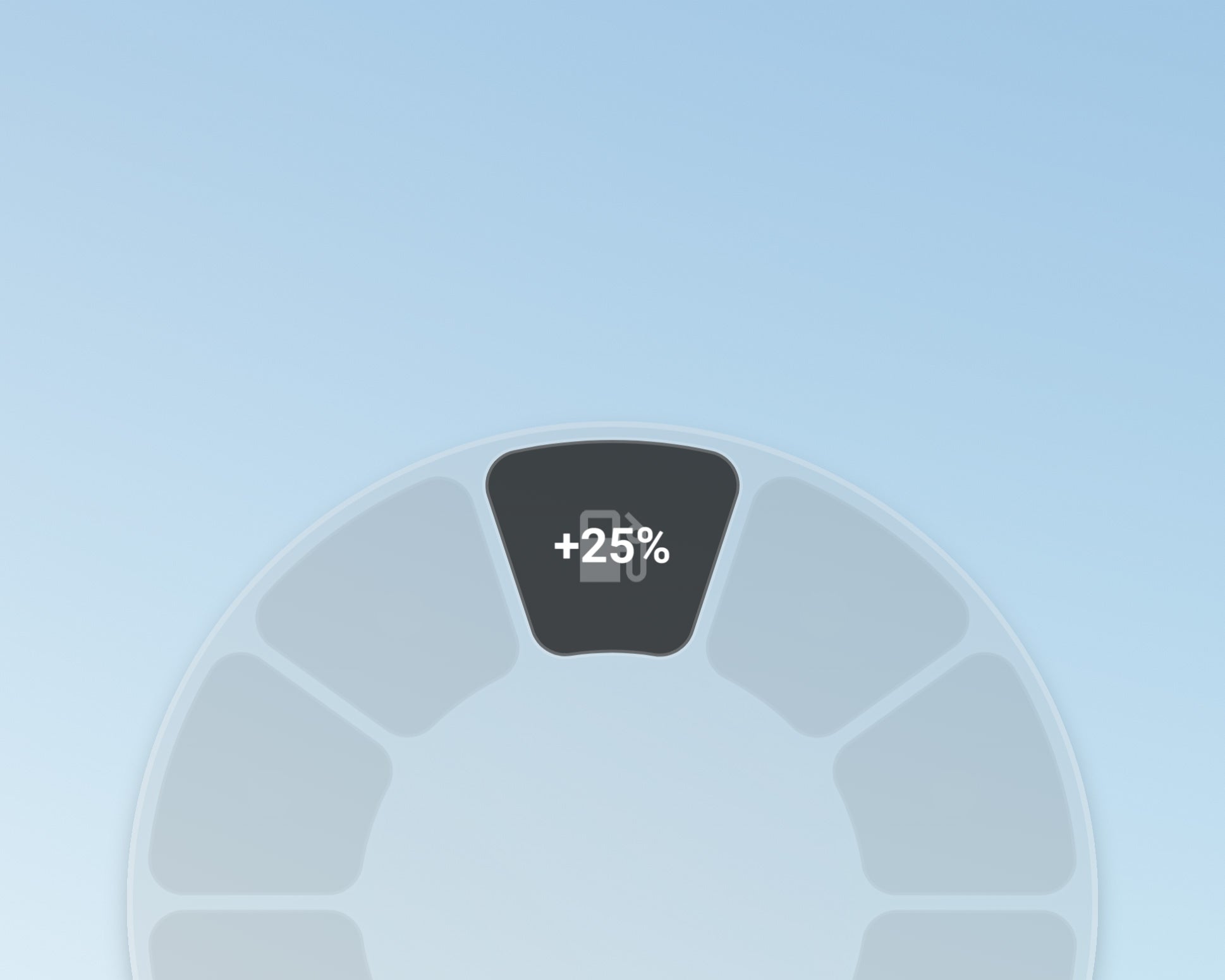
Plenty of widgets can be added to your wheel to make your life easier.
(advanced aircraft may require custom scripted widgets)
Custom Nameplates
Make them smart. Make them stylish.
Nameplates
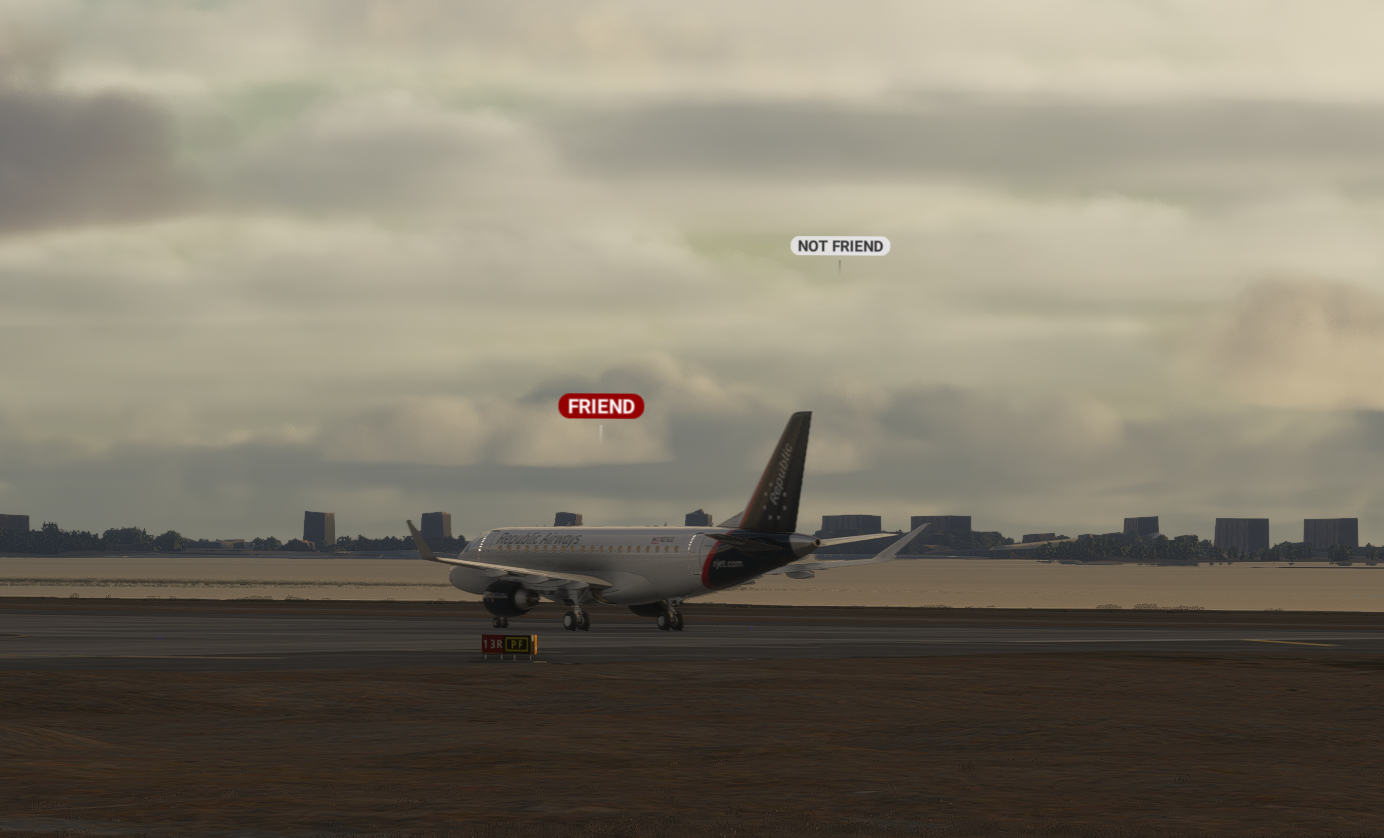
Highlight your friends
Flow Nameplates allow you to customize the appearance of multiplayer titles.
- Easily turn this feature on or off
- Our game-changing approach automatically adjusts between day/night cycles to maximize visibility
Nameplates
Plenty of options
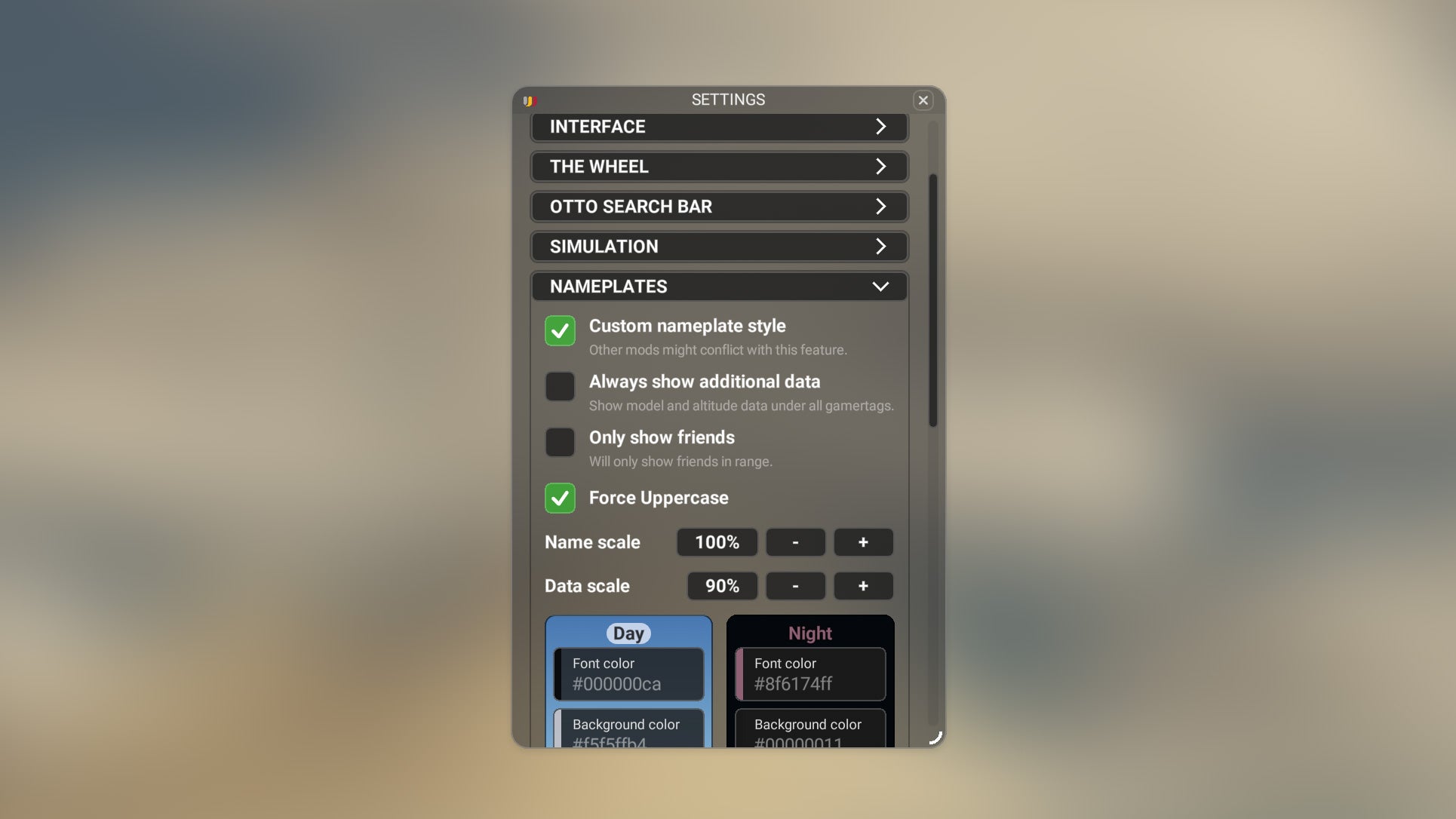
Use our default settings, or personalize to your own style.
- Choose between showing nameplates for everyone or only friends.
- Change letter style, size, color, and even show/hide additional flight data such as aircraft type and location.
Interface Automations
Fewer clicks, less wasted time.
Start Button
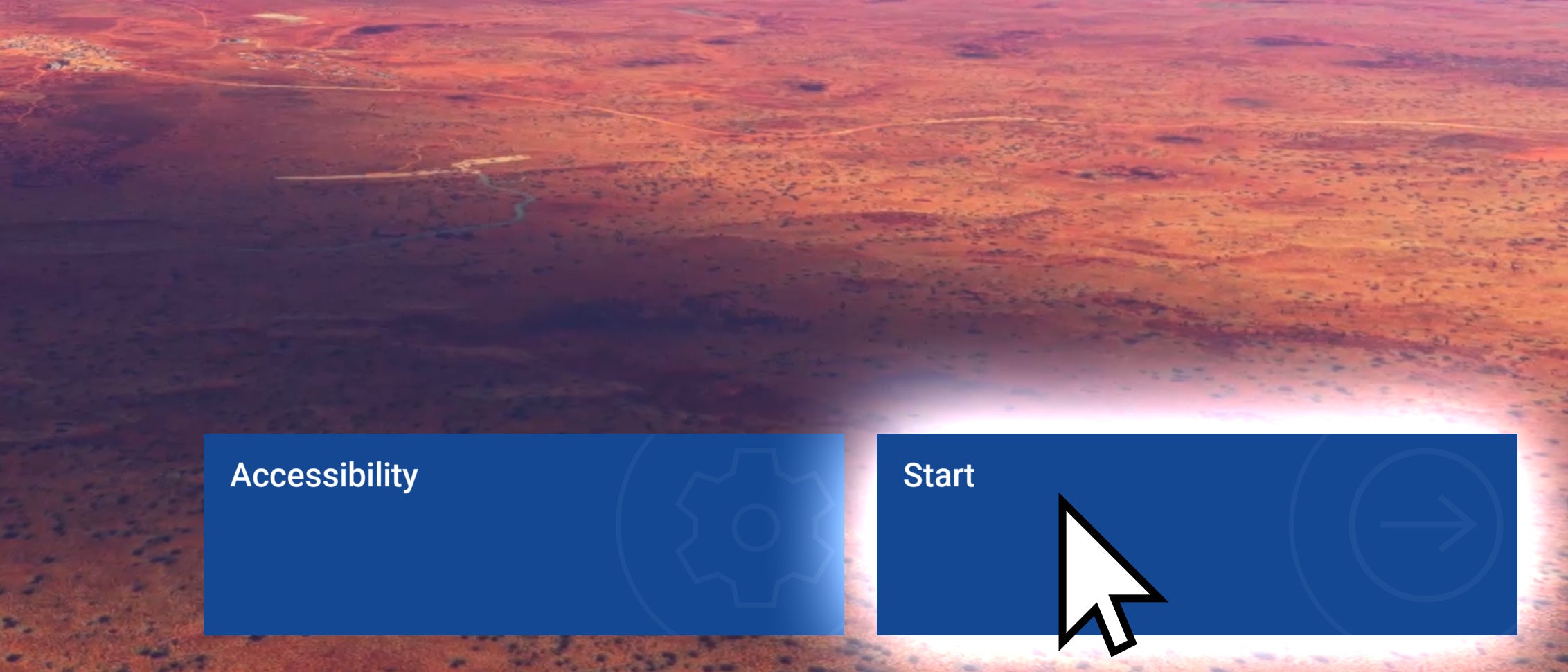
Flow can click the Start button for you as soon as the sim is loaded.
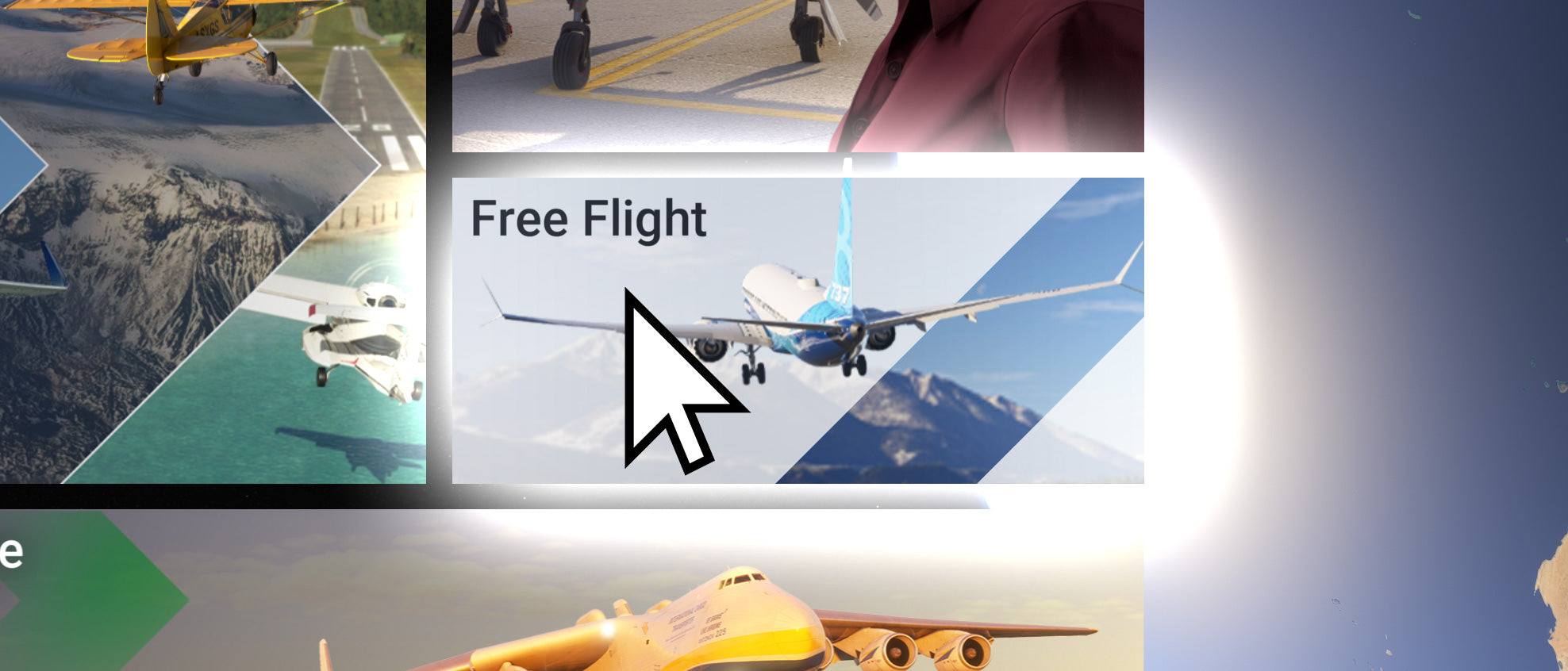
Free Flight
Flow can throw you straight into Free Flight directly instead of the wall of buttons you rarely use.
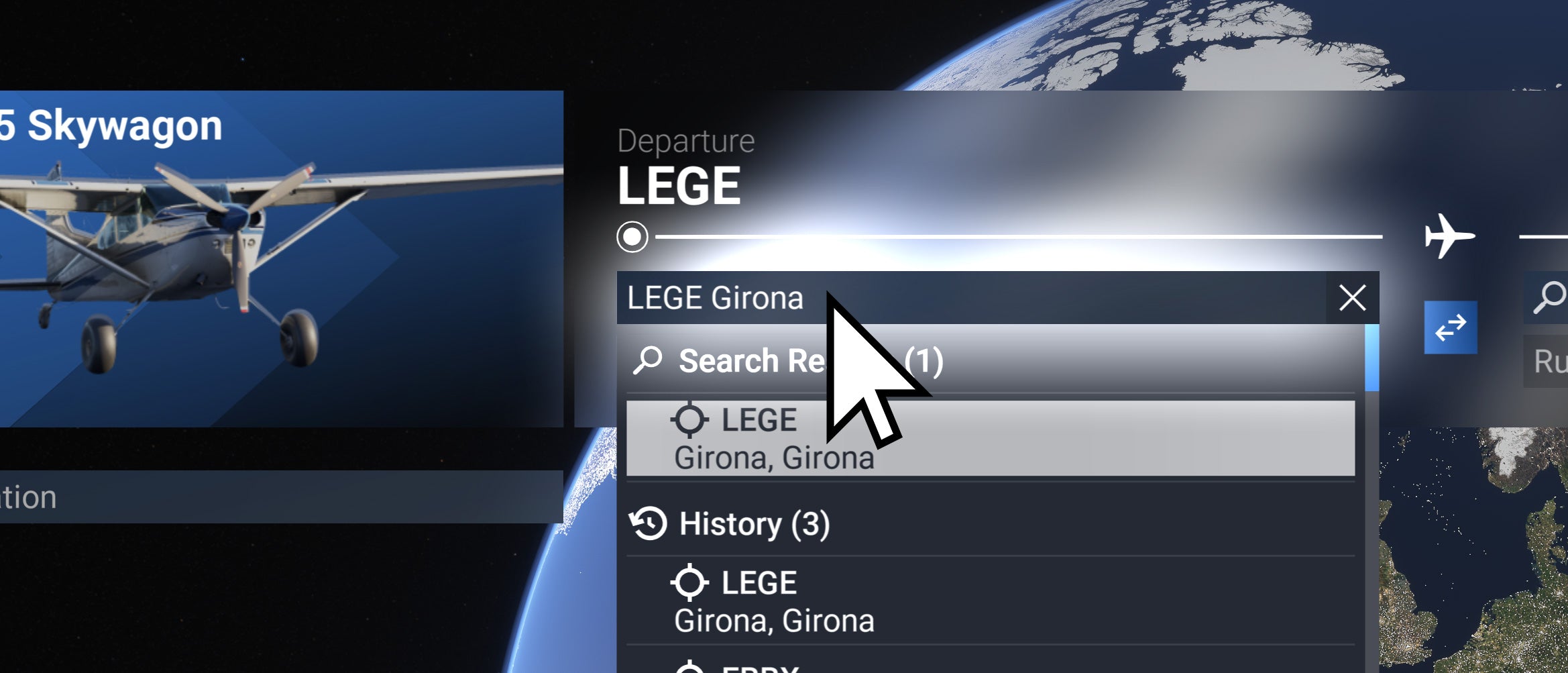
Departure Search
Flow can automatically select the Departure field when you load into the Free Flight page, all you need to do is the typing.
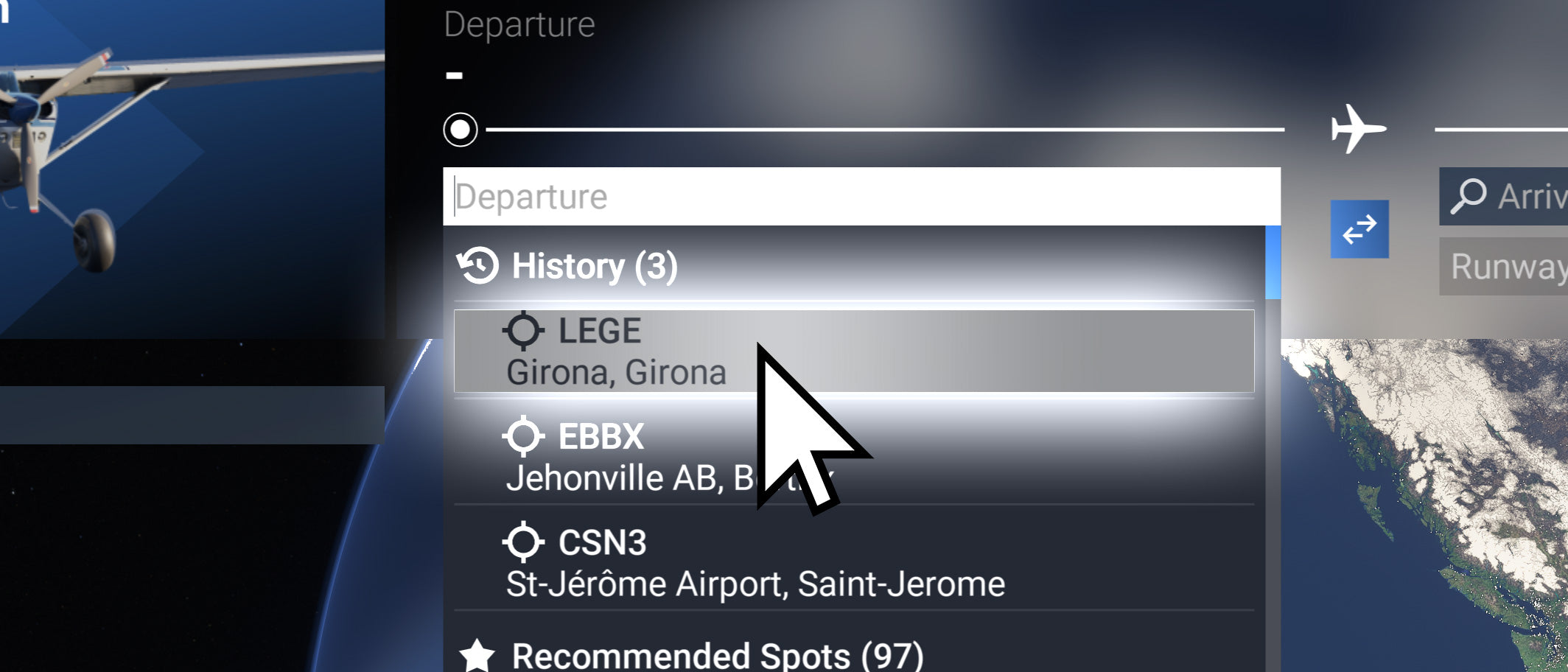
Auto-Select
Flow can automatically select the last airport you've been to. (Note that airport history does not work if you have DevMode enabled.)
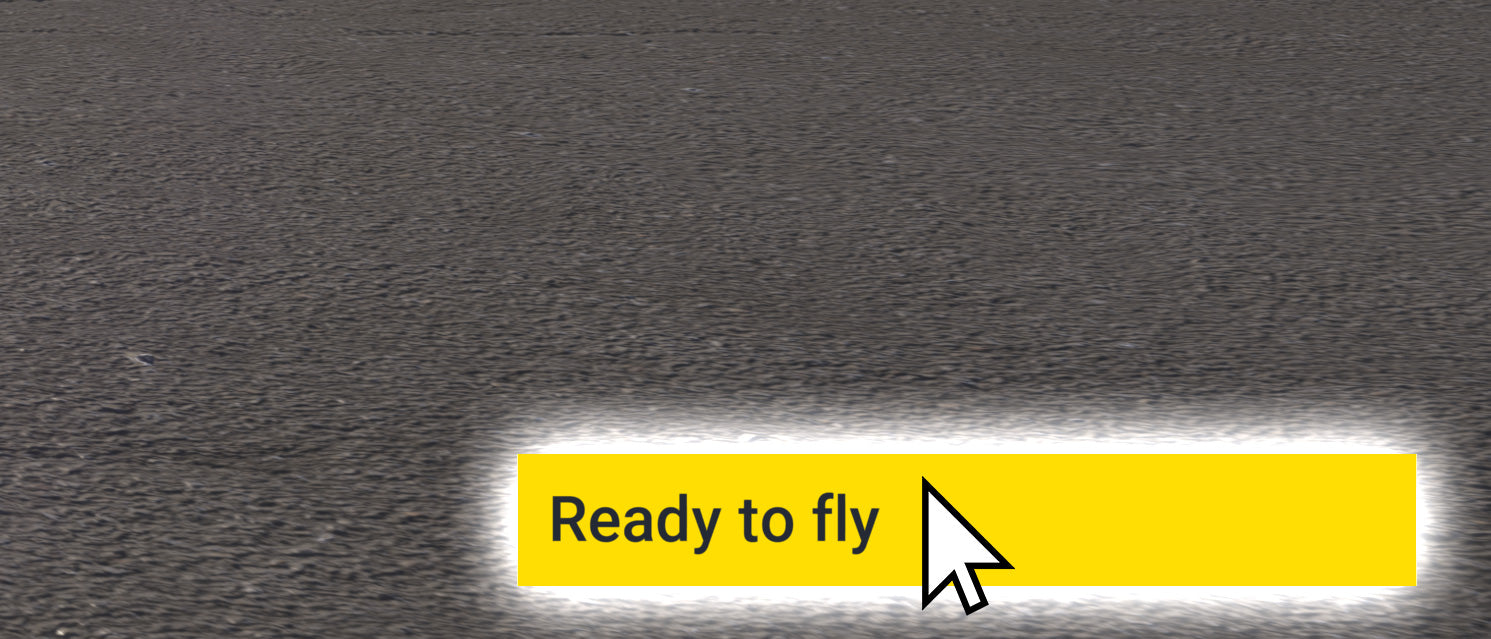
Ready to fly
Flow can automatically click the Ready to fly button for you, throwing you directly into the flight.
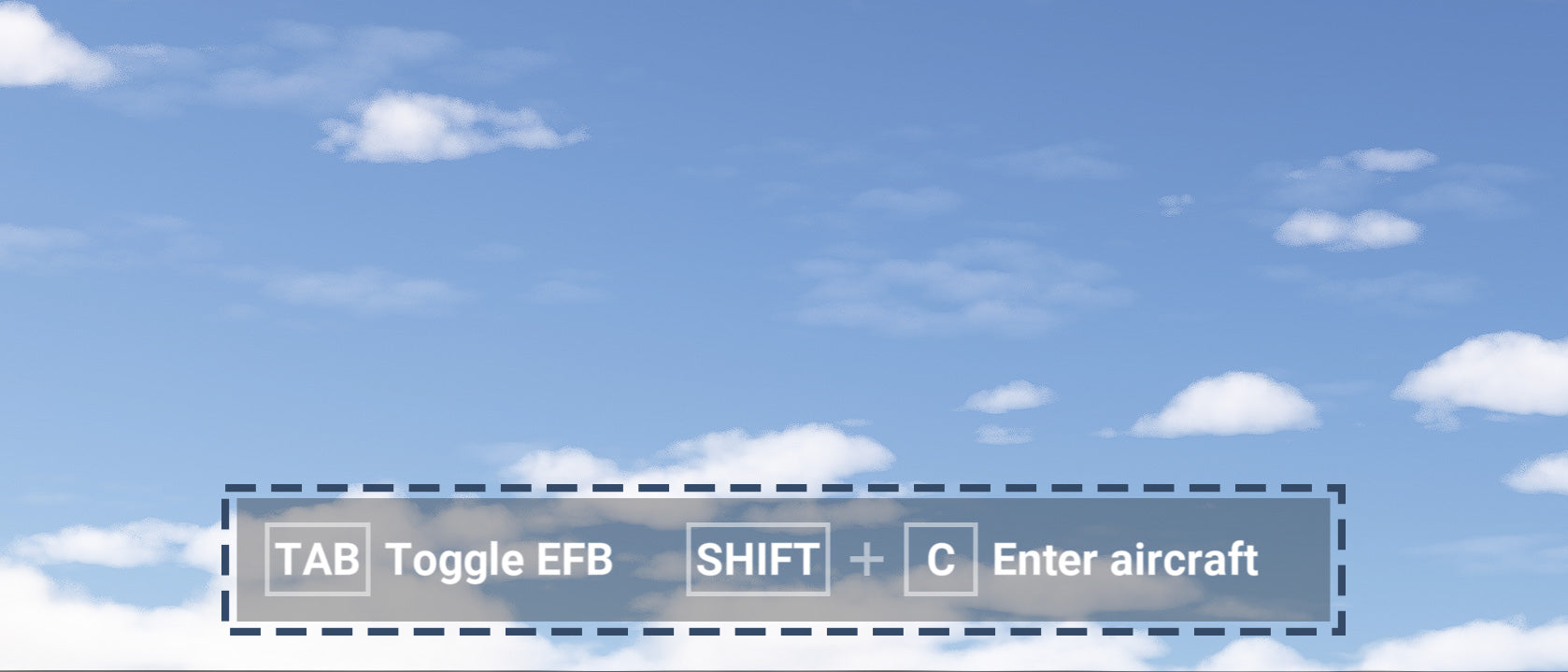
Hidden Shortcut bar
When in Avatar mode, Flow automatically hides the shortcut bar at the bottom of the screen, giving you an unobstructed view when walking around. If you want to access it, simply move the mouse cursor to the bottom of the screen.
Creative Tools
Better controls, smooth pans.
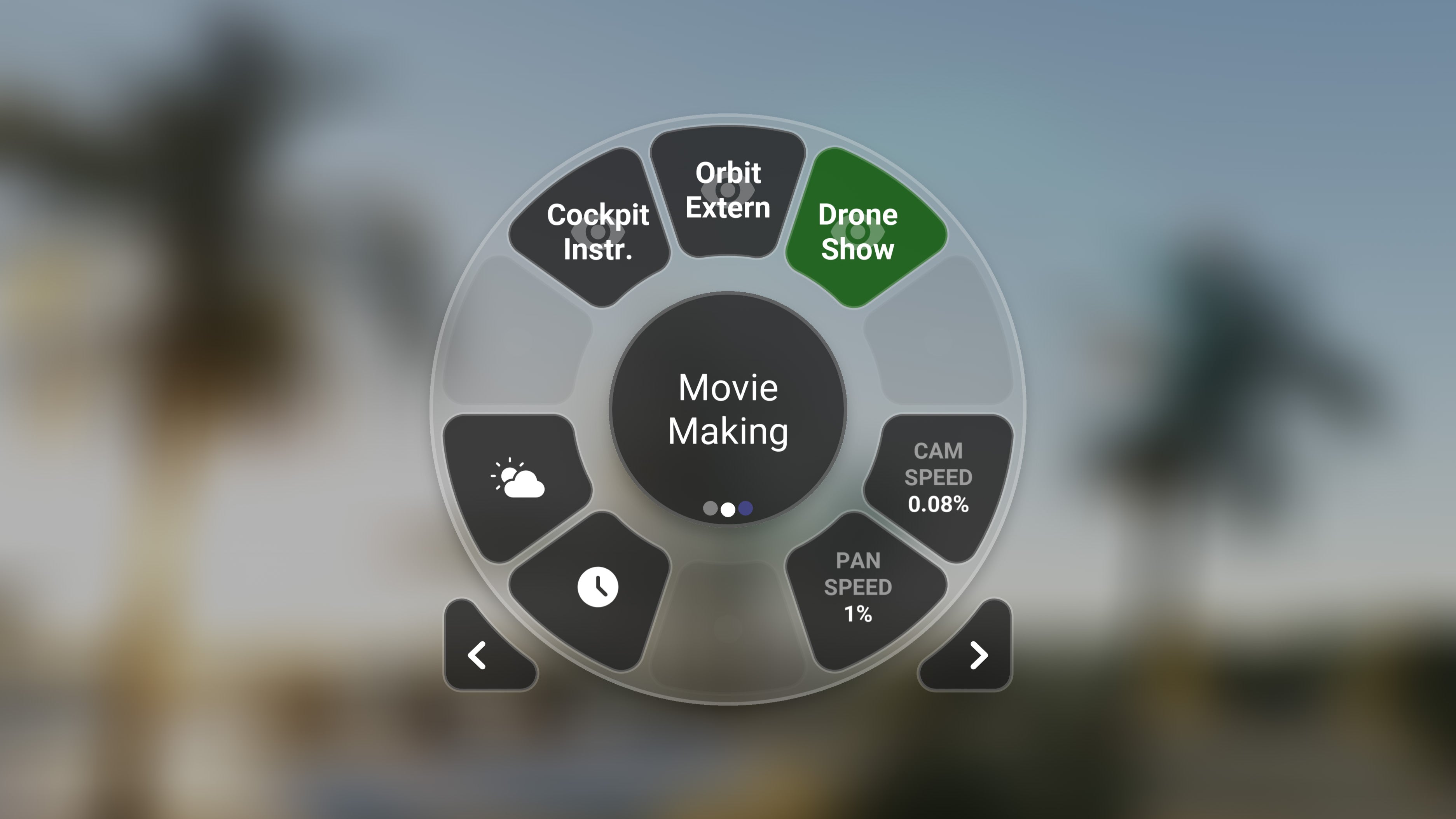
Widgets
Camera Controls
With Flow camera control widgets, you can easily adjust camera settings without opening a panel. Although it's not ChasePlane, it gives content creators more precise controls.
- Scroll over camera mode widgets to cycle thru views
- Scroll over the camera speed widgets to access variables beyond sim limitations.
- and more...
Streamer Tools
Give your viewers some context.
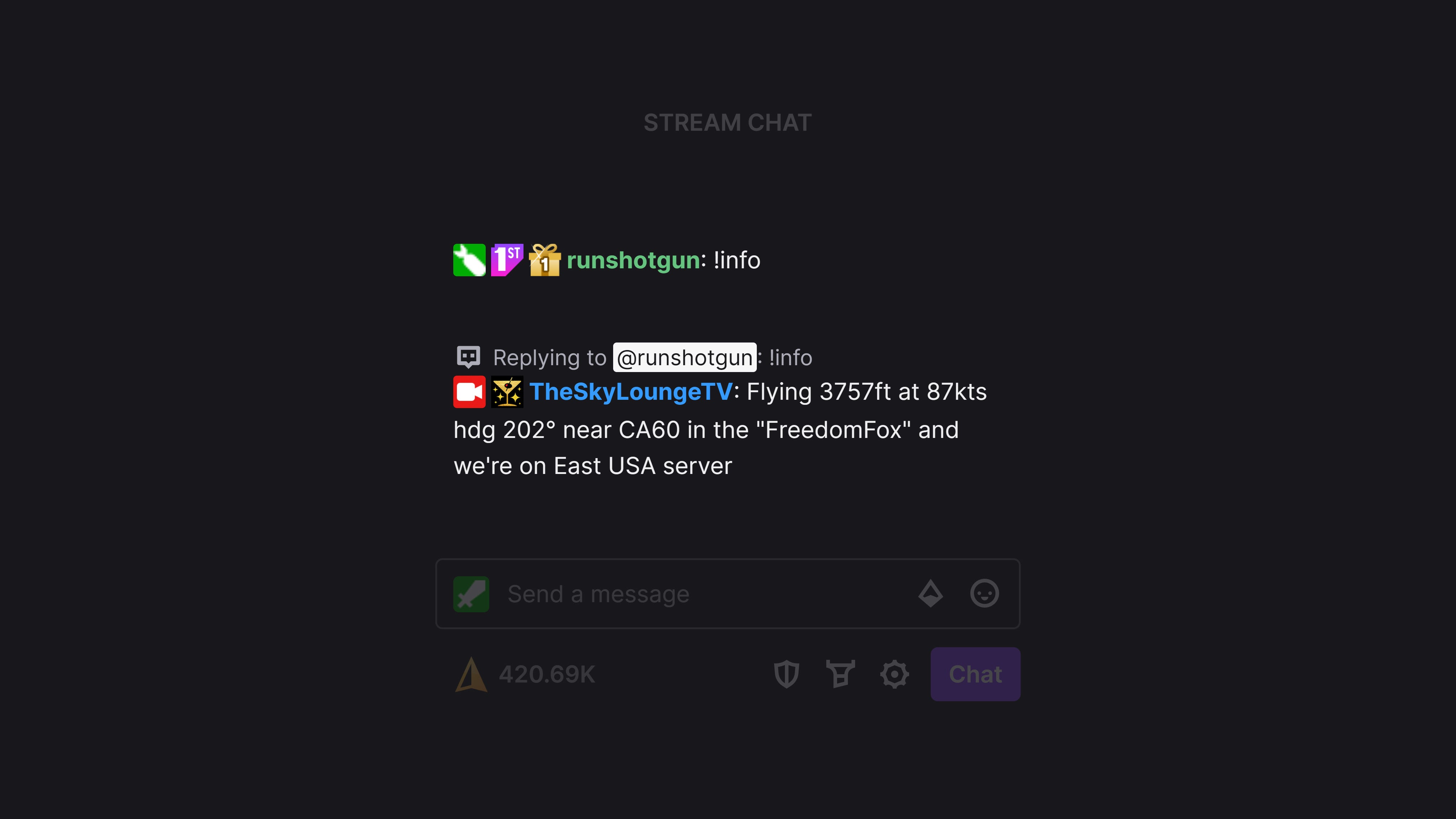
Twitch Integration
ATCBot
Say goodbye to setting up 3rd party software before every stream, and cancel your subscription too!
ATCBot provides a direct connection between Microsoft Flight Simulator & Twitch. Enable your viewers to request flight info right in the chat; some of the commands include:
- !info
- !server
- !plane
- !nearest
- !wx
- and more...
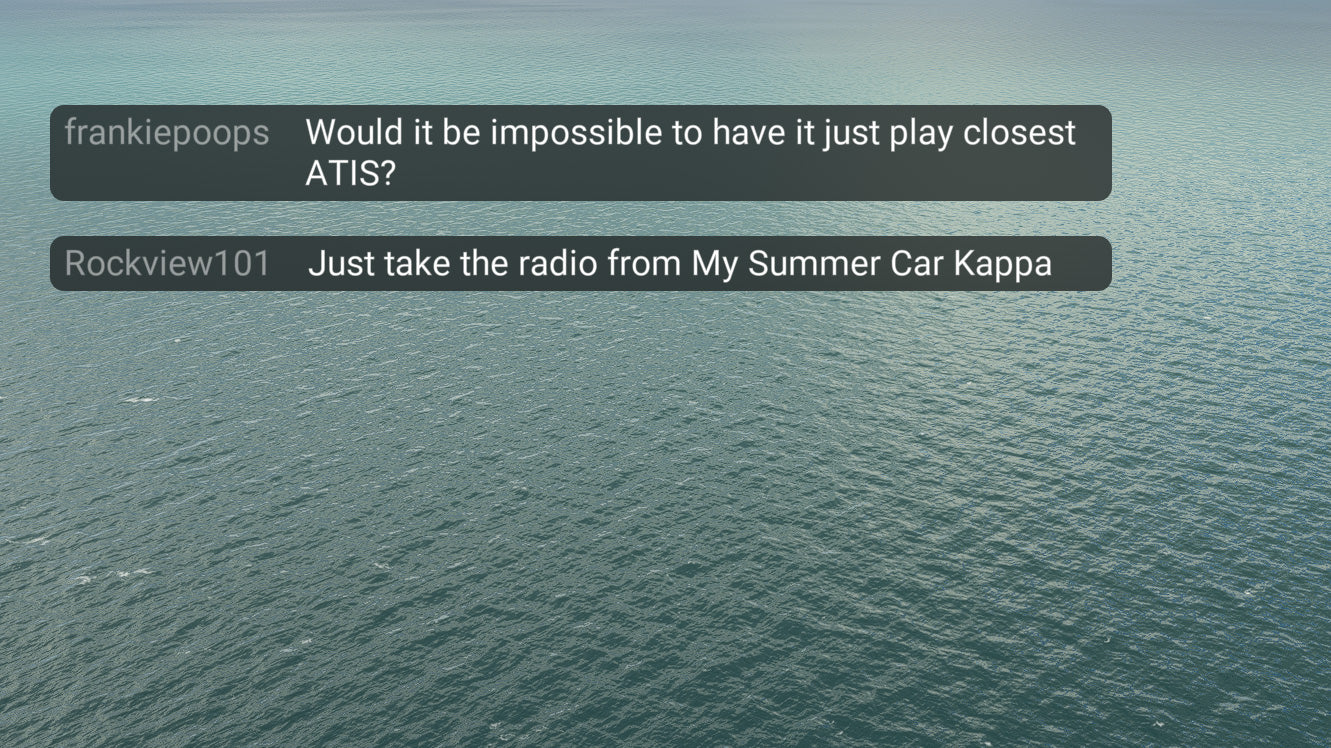
Overlay
Chat Overlay
Single monitor streamer? We got you. Looking at your phone to see the live chat isn't ideal.
Our Chat Overlay widget lets you view live chat from your Twitch channel in your sim space. They see it too!
Then again, you may have 4 monitors but still want the chat on your main display. That works too!
Power Tools
Instant Access, Instant Answers
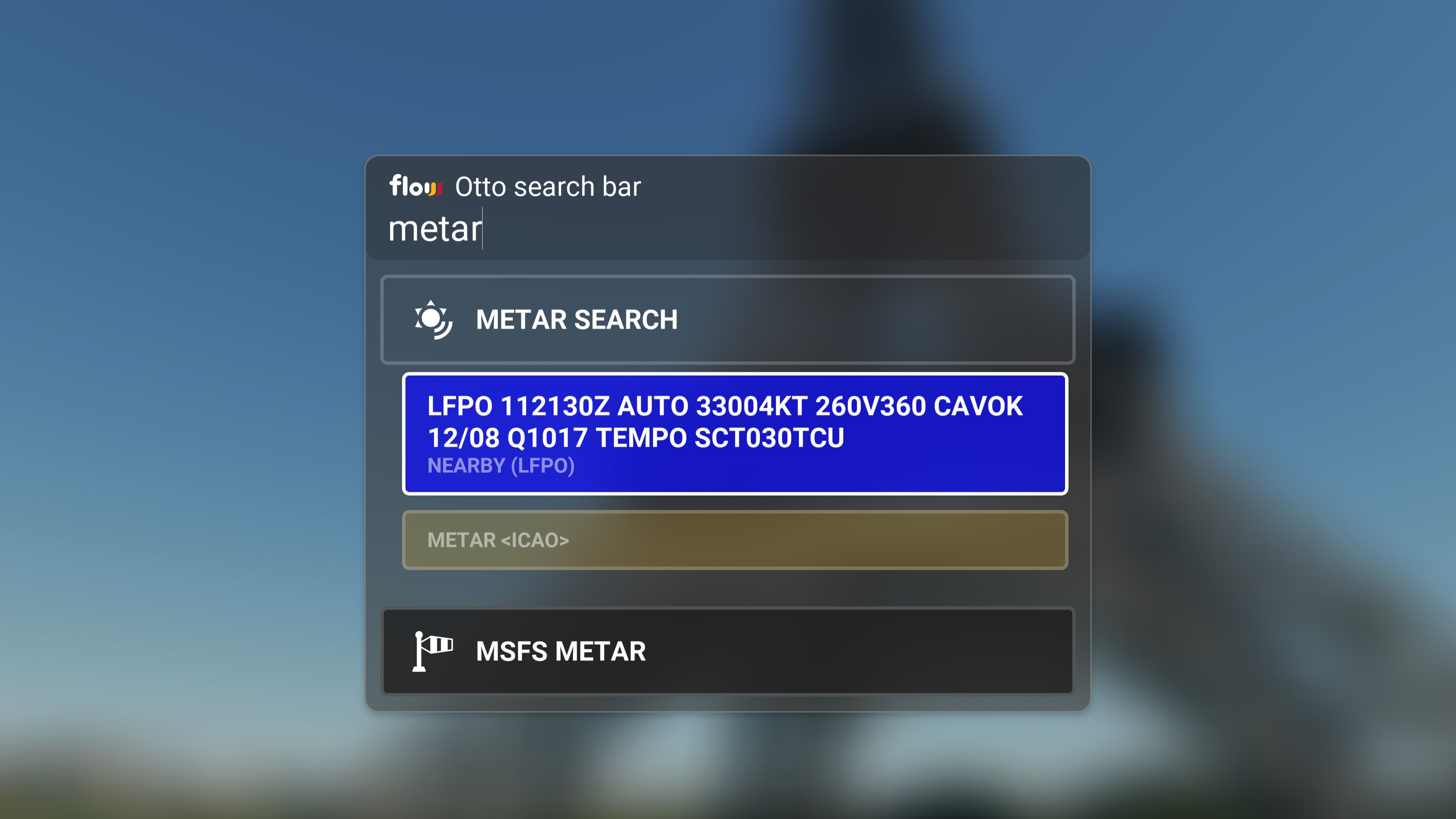
Otto
METARs
You can search for METARs around you or at specific ICAOs.
This feature pulls data from the default MSFS systems to ensure that what you see is what you read.
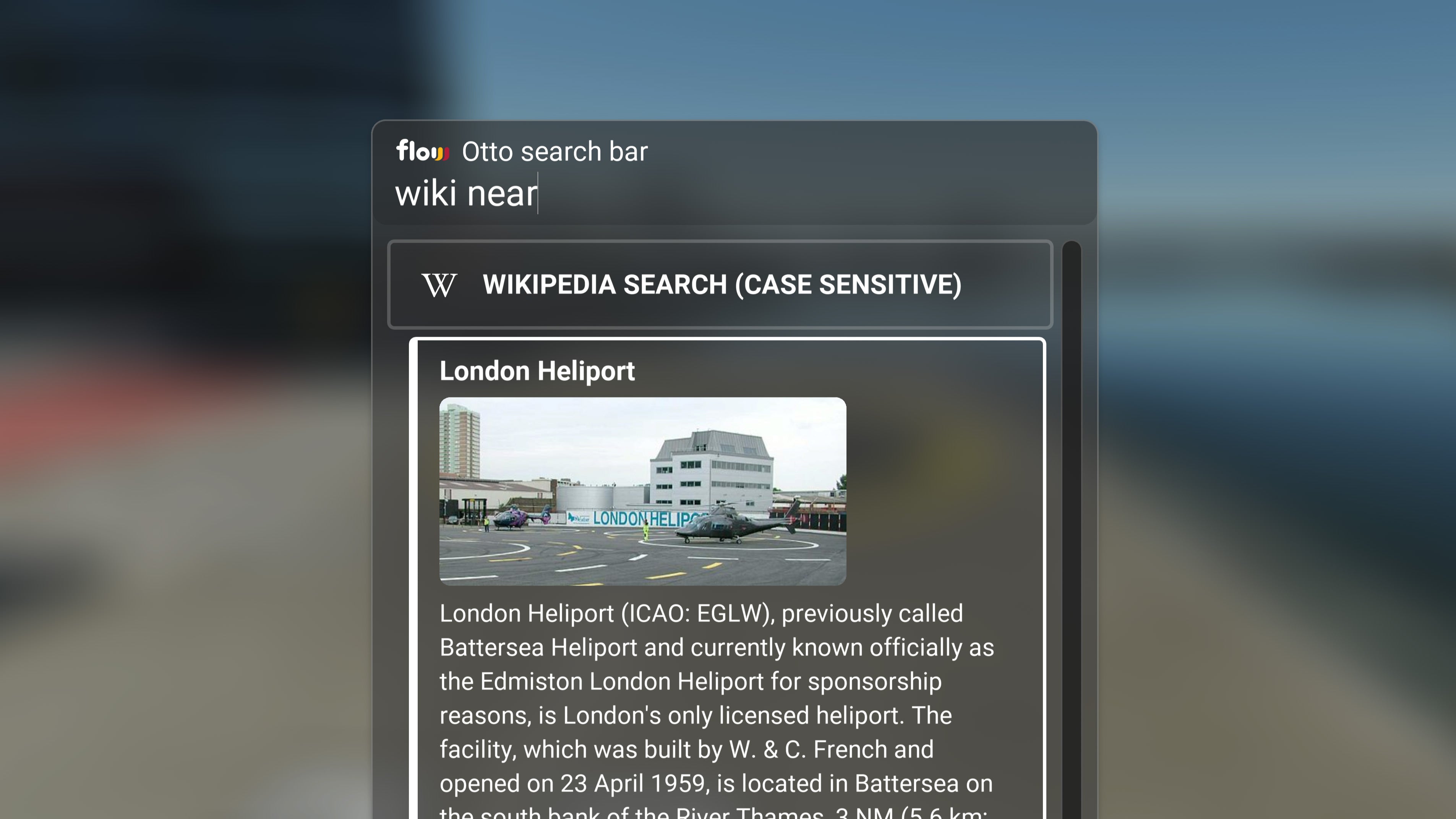
Otto
Wiki
Get info about what's around you at any time.
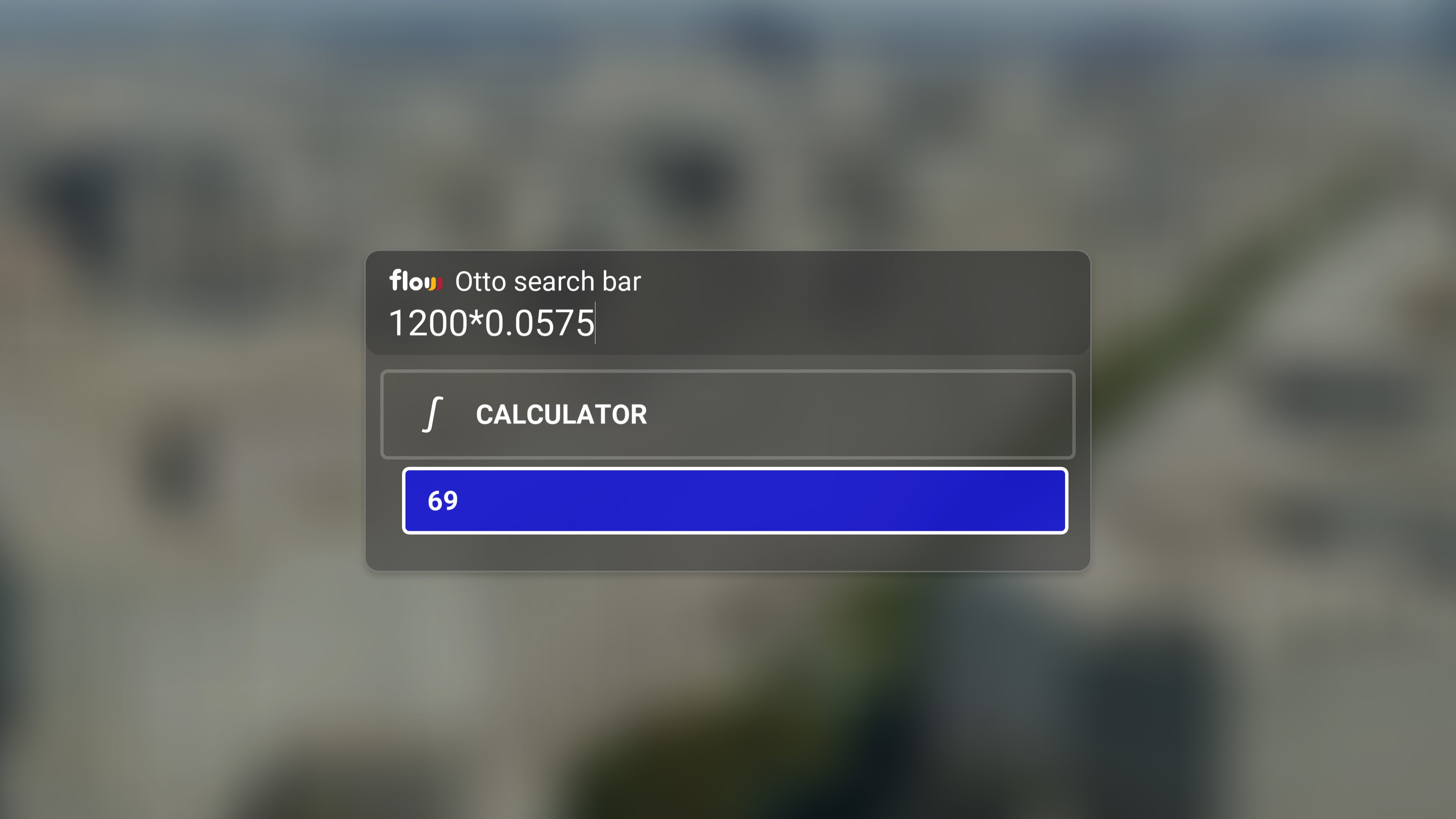
Otto
Calculator
Calculate and convert between units of measurements in seconds.
Fully Scriptable
Go beyond.
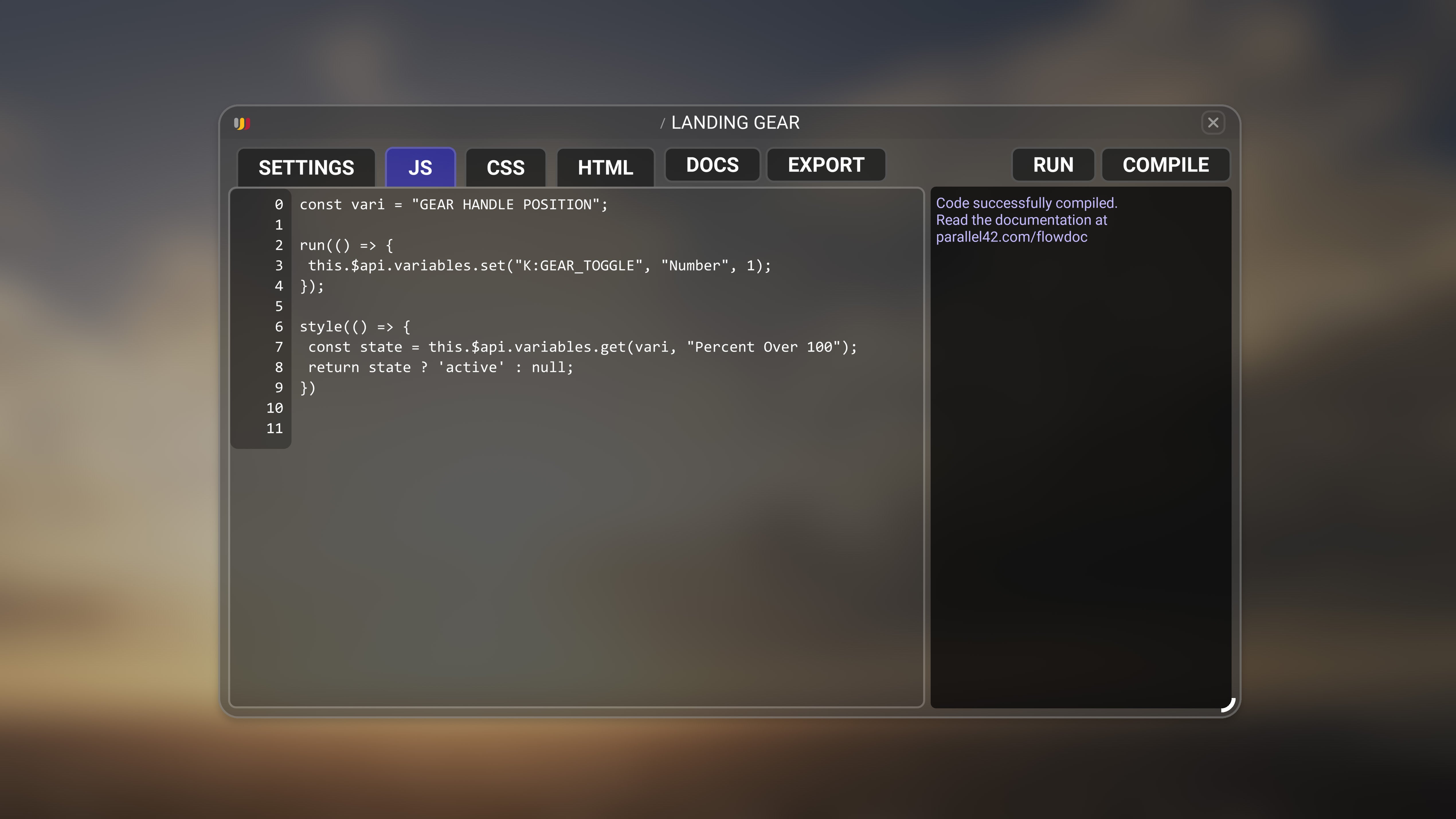
Custom widgets
Script Editor
At //42, we believe in the power of community. Although our bundled Flow Pro widgets are impressive, they pale in comparison to the incredible things that members of our community have built.
Flow Pro goes beyond a menu system; it's a development platform for creating customizable menus and widgets with a user-friendly Editor that uses Javascript, HTML, and CSS.
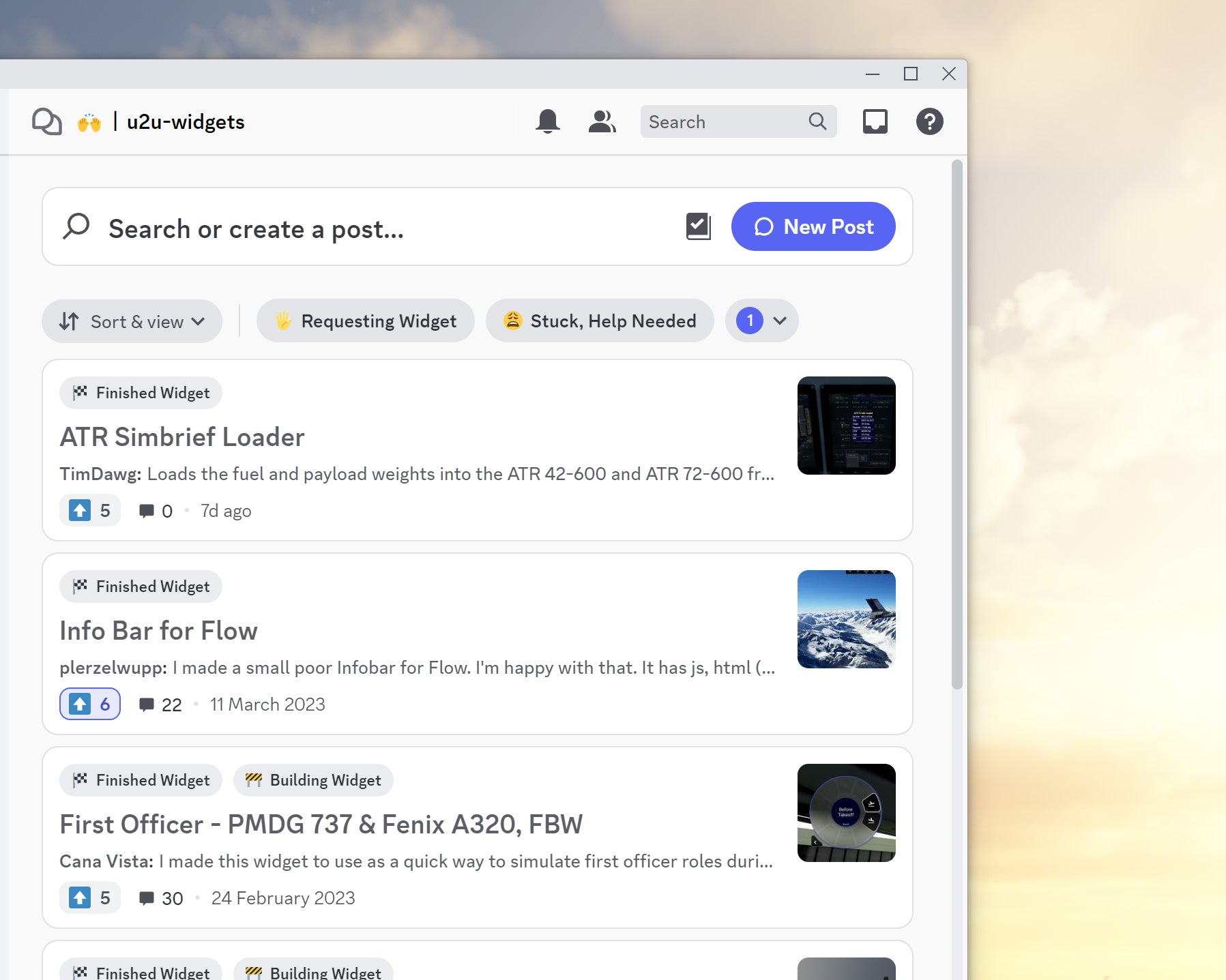

Pro Community Power!
No coding skills? No worries. With Flow Pro, you can easily install widgets other Pro users make into your community folder. You'll have access to aircraft simbrief integrations, checklists, utilities, ground services, and more right at your fingertips.
Join the Discord server
Flavors of Flow
Flow comes in multiple flavors. Choose the one that suits you best and don't worry, we have upgrade pricing.


✔️
✔️
✔️
✔️
✔️
✔️
✔️
✔️
✔️
✔️
✔️
✔️
✔️
✔️