
Hello Captain,
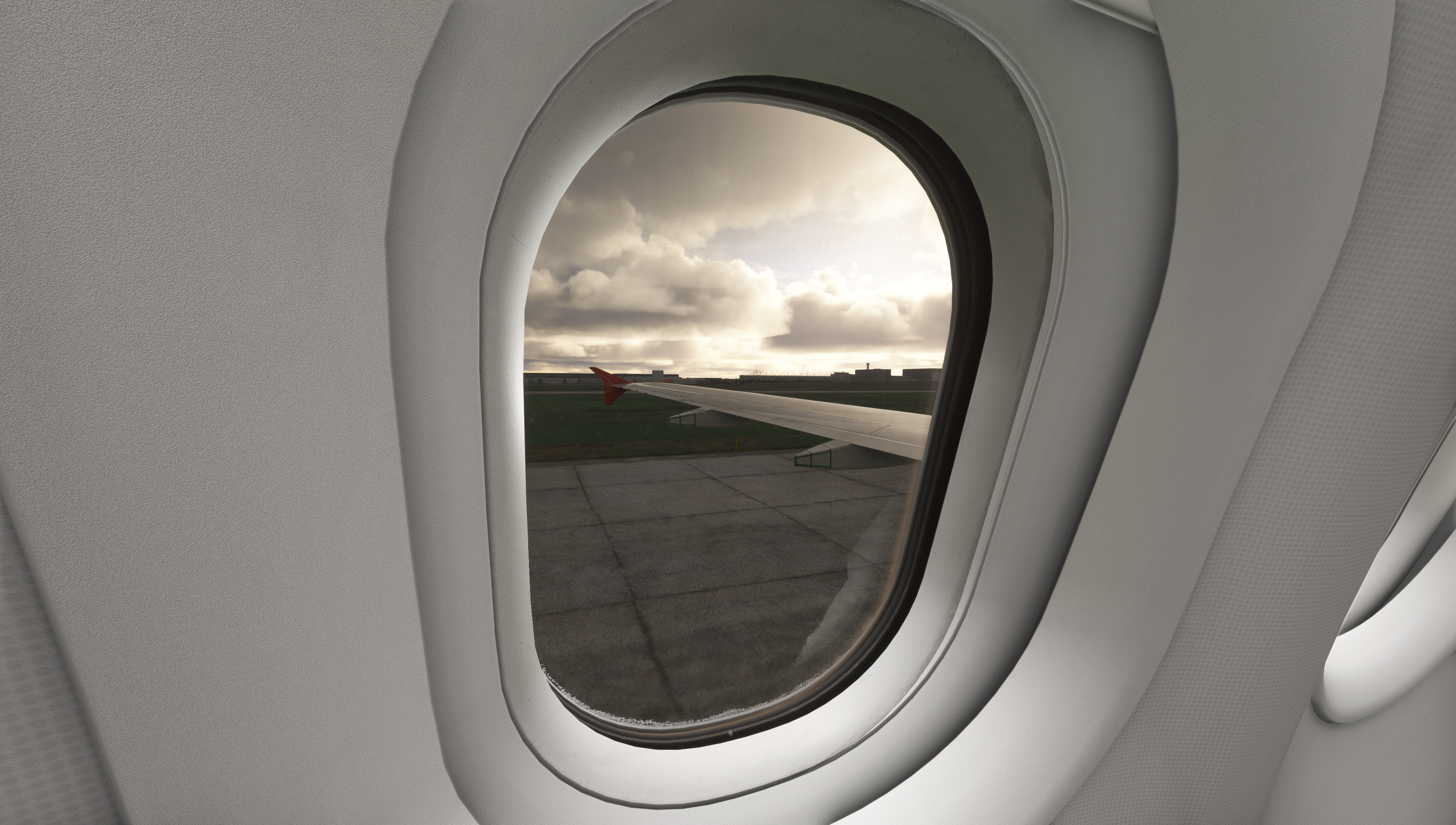
Some of the best moments in a flight simulator happen when you’re not flying at all; maybe you're holding short while a heavy rolls past, lingering after shutdown to see what’s on final, or simply watching a busy airport come to life. There’s a quiet kind of fun in watching the world move around you.
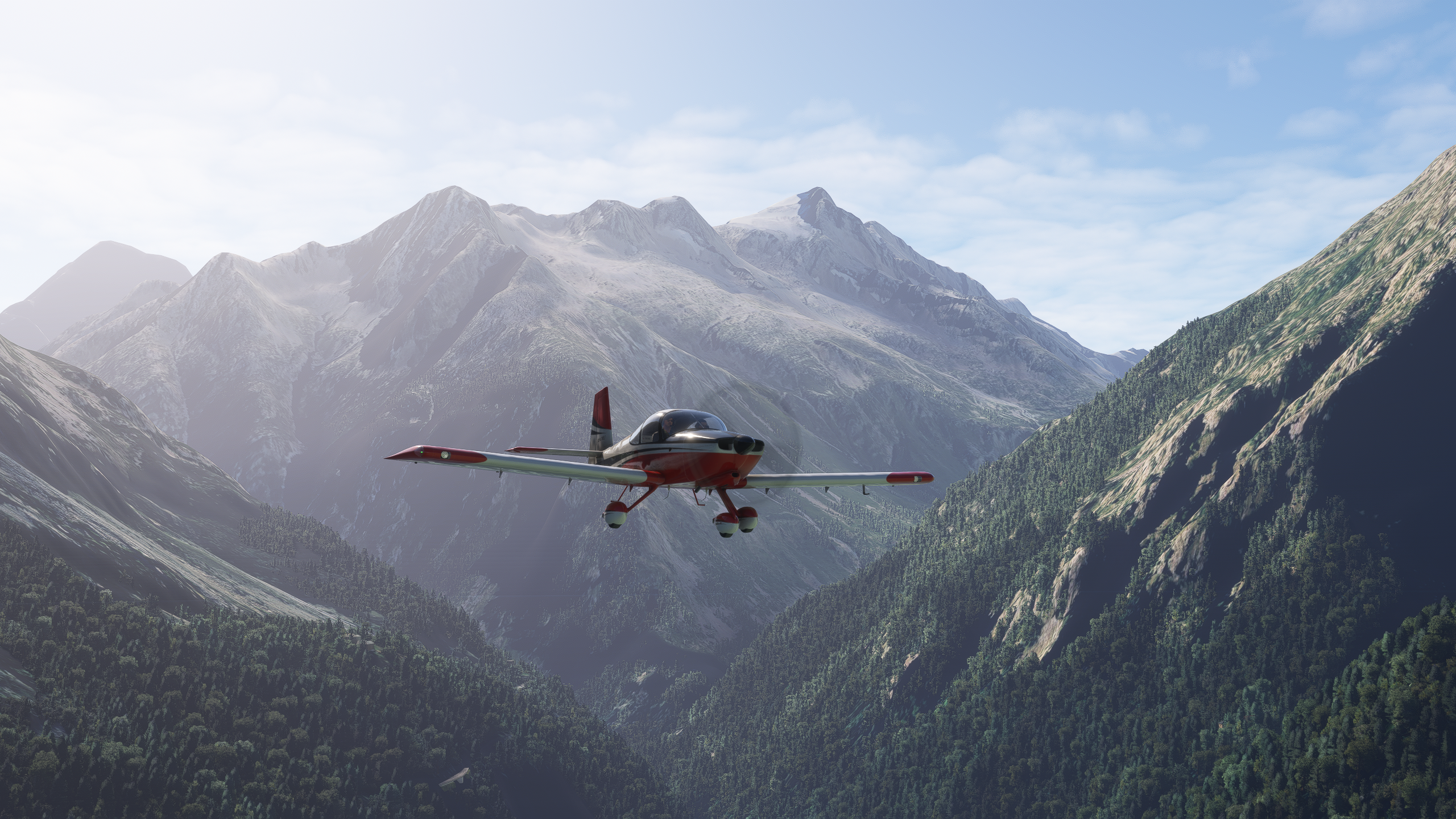
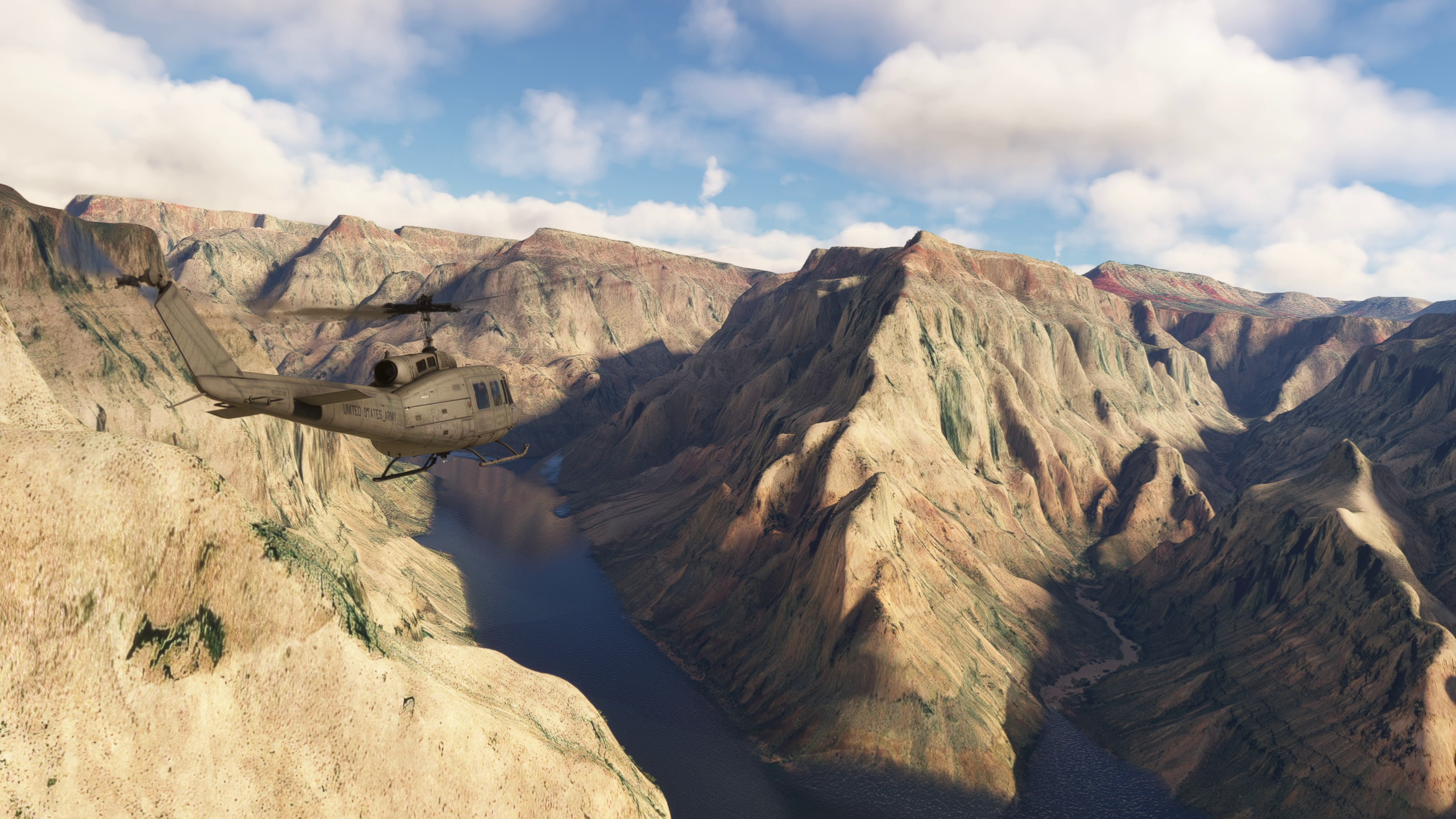
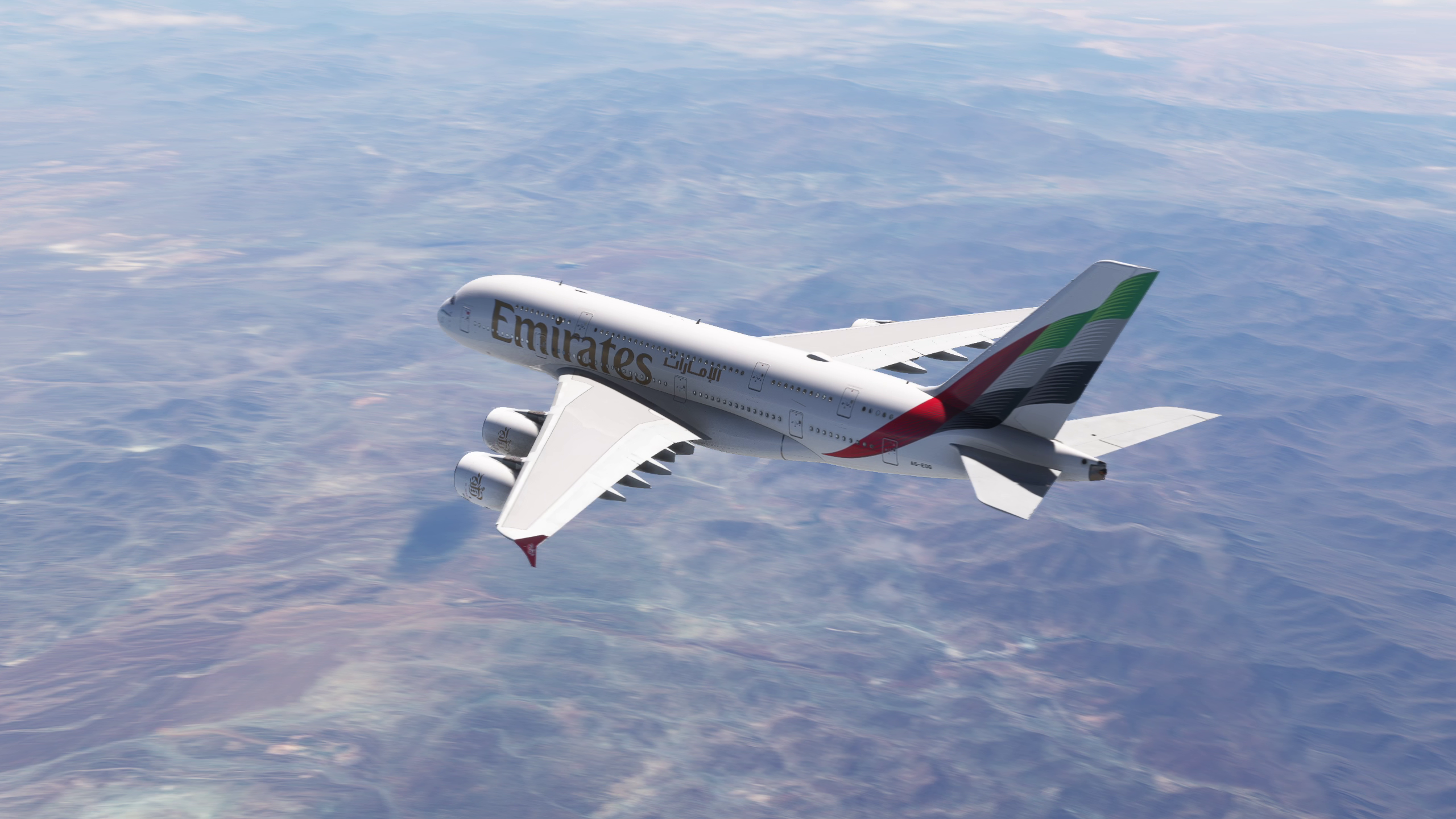
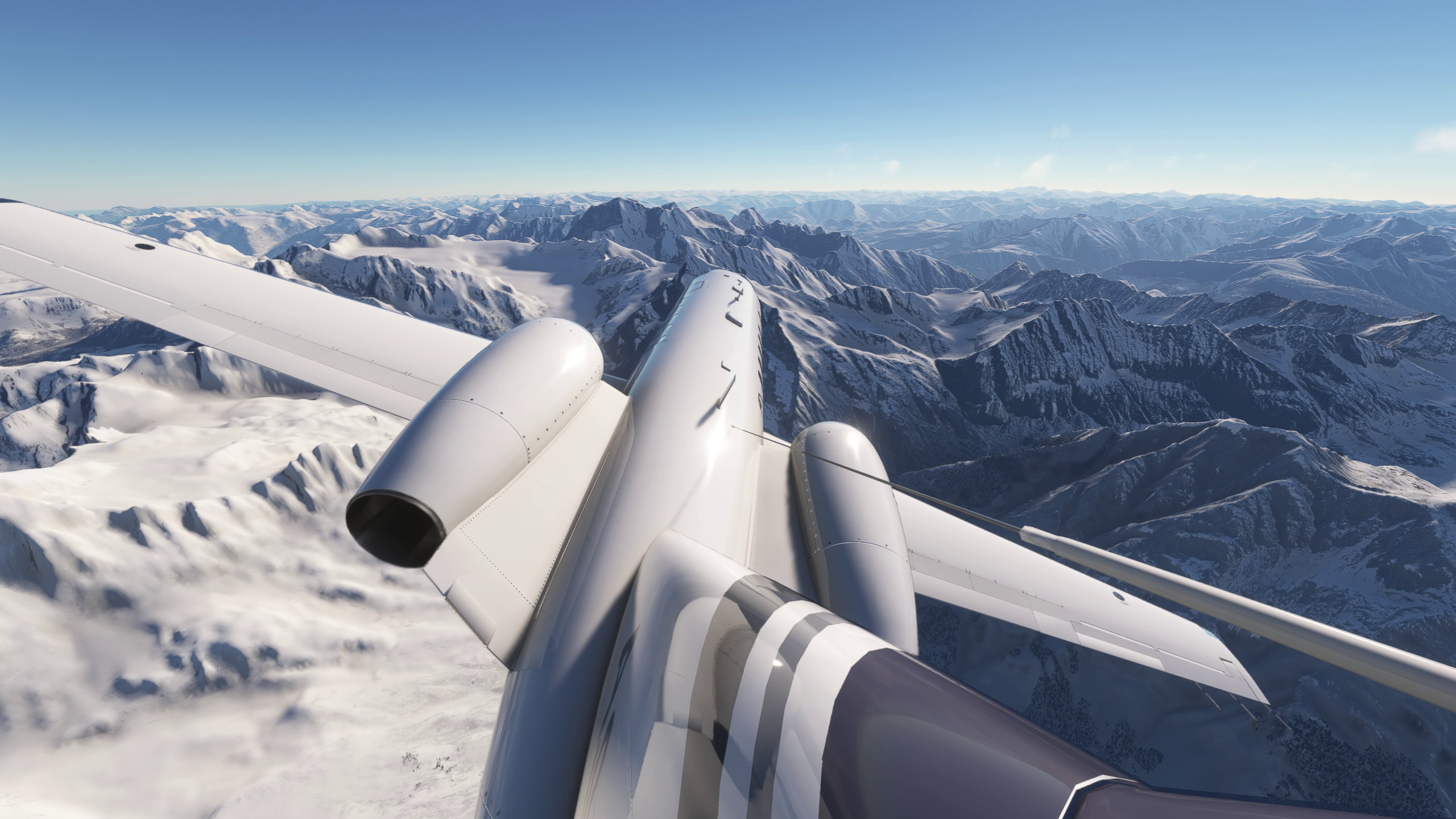
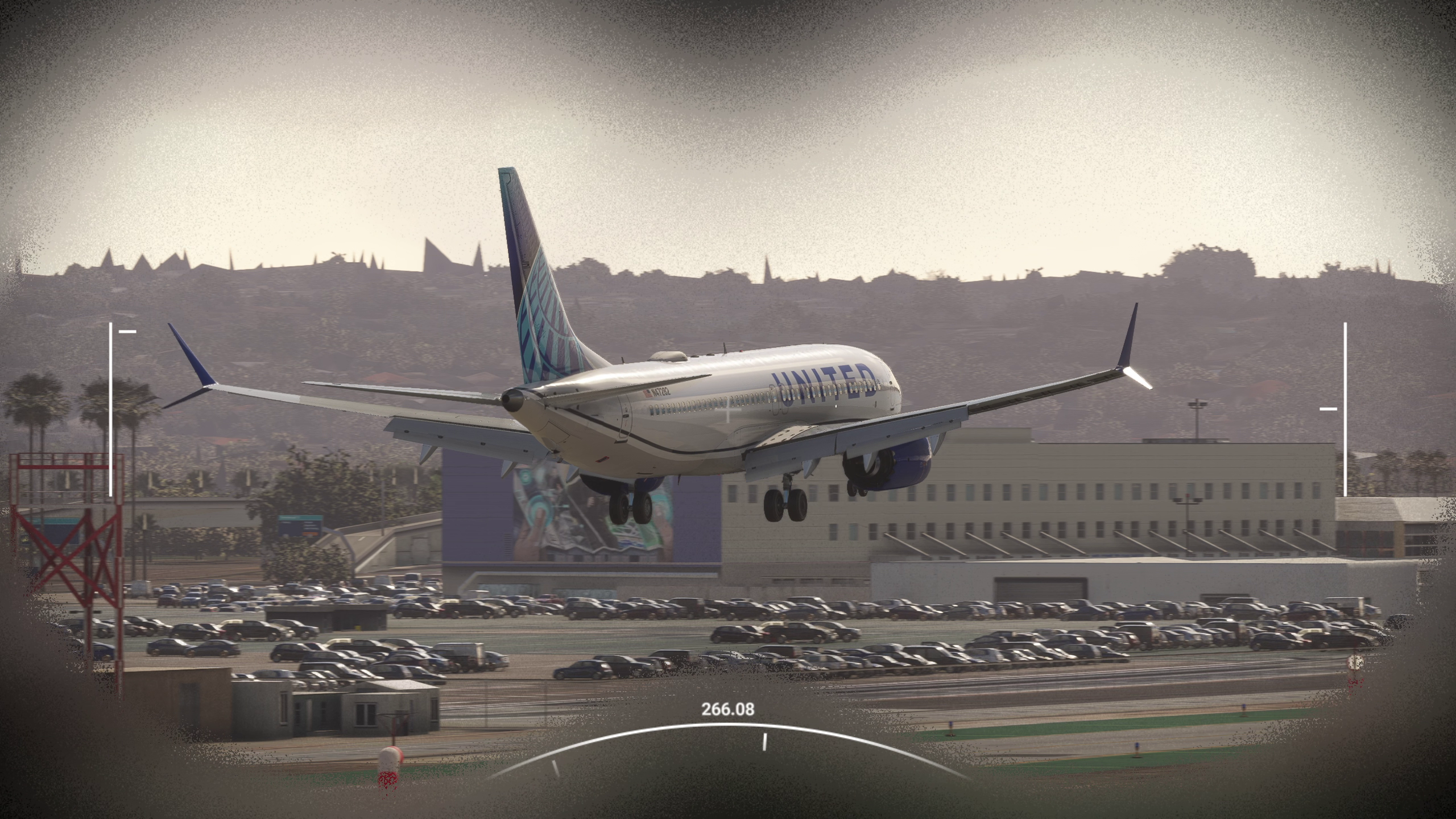
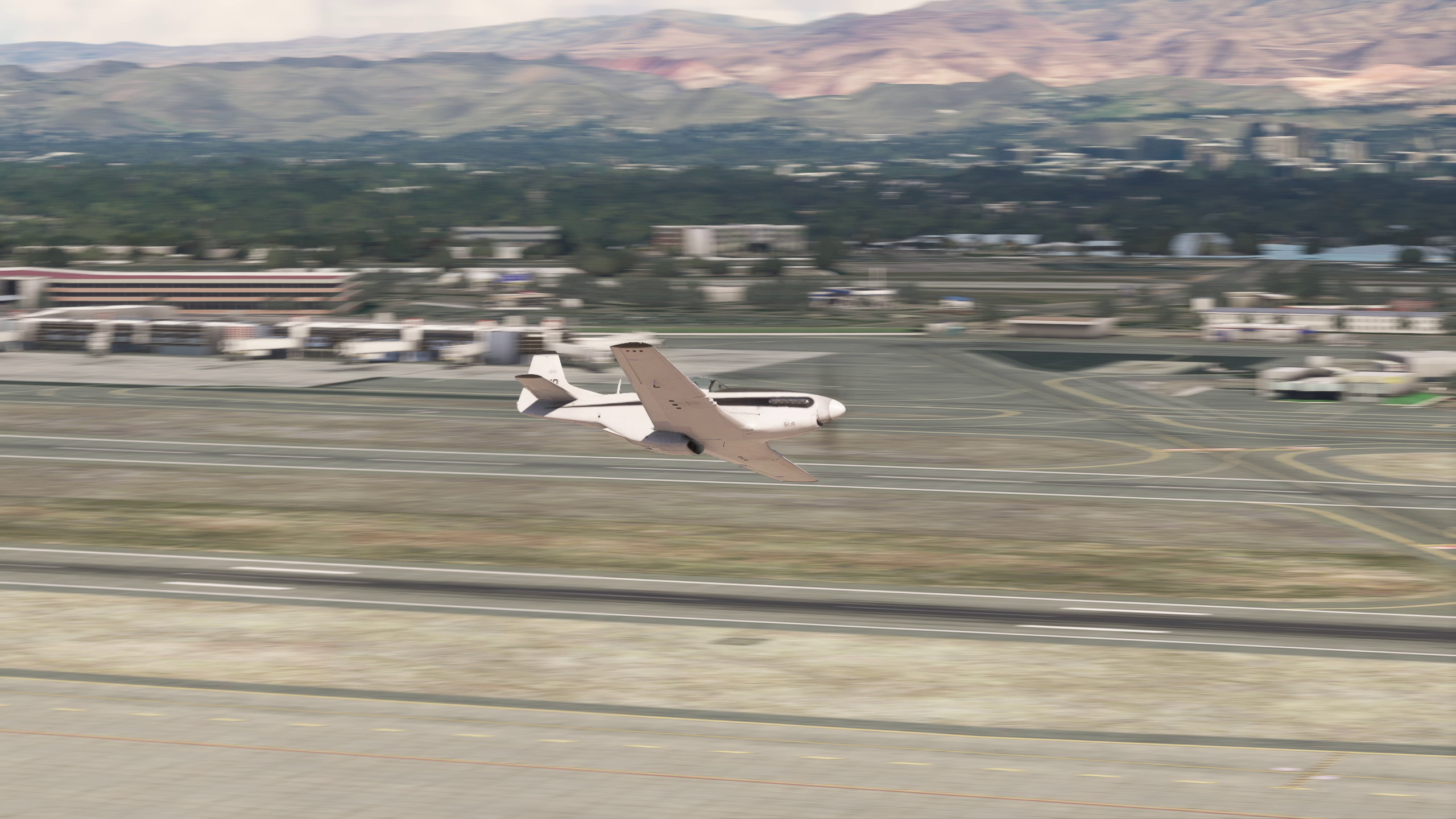
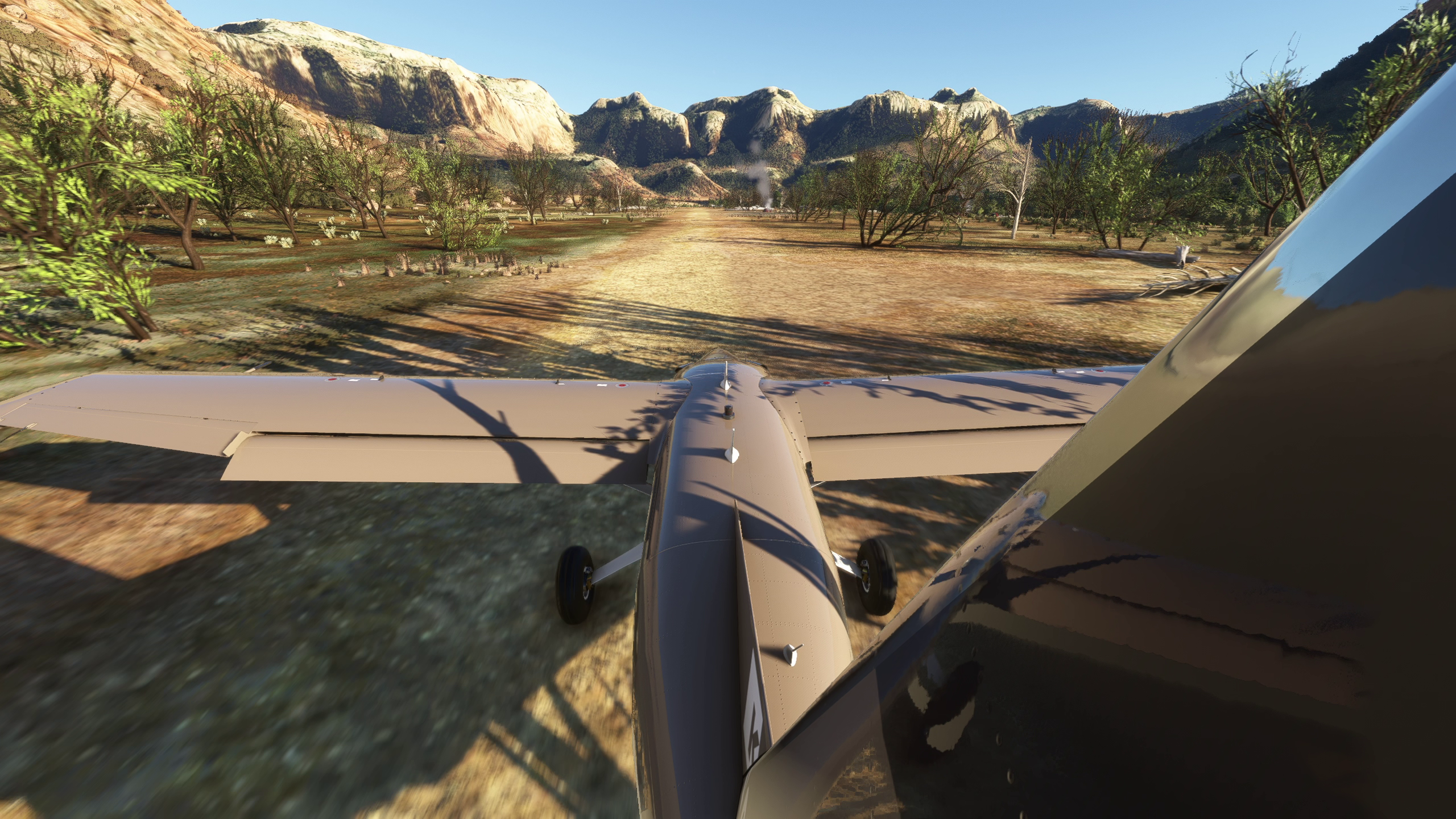
That spirit inspired the newest ChasePlane experience: Spotting™. And it goes well beyond planes. ChasePlane can now help you find and follow AI aircraft, helicopters, balloons, ships, ground traffic, and even animals.
Before we show you how it works, we have an important update about ChasePlane’s Experimental status and pricing.
First and foremost, thank you to everyone who purchased ChasePlane during its Experimental phase. Your feedback, detailed reports, and countless hours spent helping us troubleshoot have been instrumental in bringing such a complex product to the level of stability needed to support users around the world.
This will be the final ChasePlane feature to be released during the Experimental-only phase. The next release will mark ChasePlane’s transition to a fully stable product. At that point, early-release pricing will end, and ChasePlane will move to its final price.
What is Spotting?
Spotting is a new experience that puts nearby traffic front and center, including aircraft from AI traffic packs, online networks such as Vatsim, IVAO, and SayIntentions. Native Microsoft Flight Simulator multiplayer aircraft are not supported due to platform limitations.

Open the Spotting page in ChasePlane, and you'll see what's operating around you, with aircraft names and details, runway information, flight phases, speeds, distances, and traffic counts.
See an object or viewpoint worth watching? Use the map action selector in the lower-left corner to choose how you want to follow it.

Select [Move To] to move the camera to the selected object and travel alongside it as it moves through the world.

Select [Target] to keep the camera in its current location while turning it to follow the selected object or stay locked onto a viewpoint.

Prefer a hands-off session? Turn on [Auto Spot]. It automatically selects nearby traffic and tracks it with smooth camera motion. And yes, you can still use [Move To] to pick your spotting location and even change it with a single click. Turn on Auto Spot and watch the airport traffic broadcast play out in front of you.
Want to tune what you see? The AI Traffic Settings overlay holds two sections: Traffic Filters, for narrowing which aircraft appear, and Strip Layout.
The Best Vantage Points
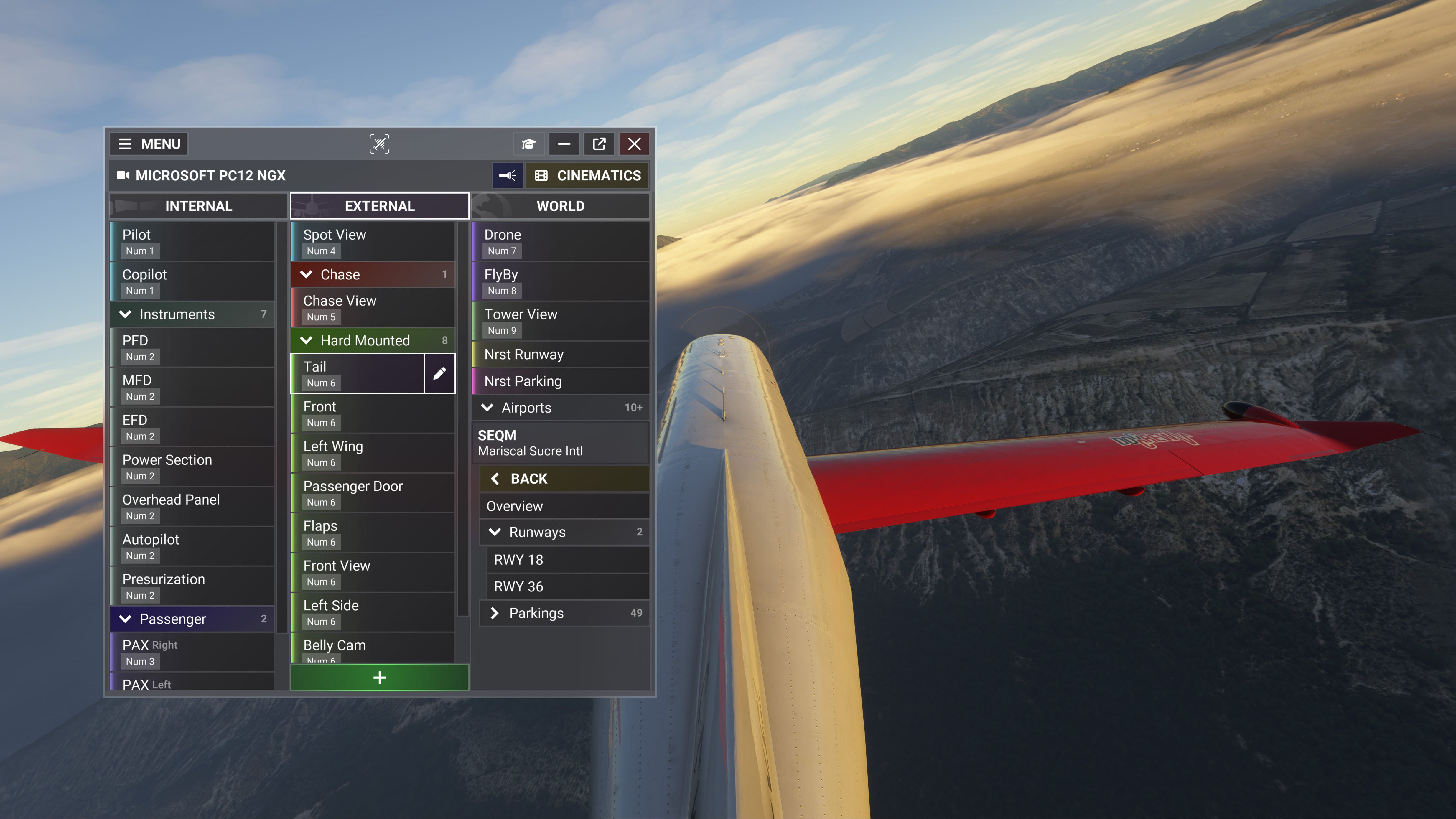
Spotting is only as good as your viewpoint, so this update also brings richer options in the WORLD cameras category. The WORLD camera sidebar organizes everything you can browse into five sections: Towers, Runways, Parkings, Viewpoints, and Traffic. An overview item also sits near the top of the camera list.
Viewpoints is new to this category, it lists the world's best spotting and photography viewpoints.
Traffic should be self-explanatory. ;-)
Control ChasePlane from Another Screen, OR DEVICE!

Select Companion in the ChasePlane main navigation, and a browser-based remote interface opens, with four tabs: Home, Spotting, Control, and Remote. Use it for camera control and traffic and spotting access from another screen. The Remote tab shows a QR code or LAN URL for opening the page on another device, plus system information.
Oh, and this isn't limited to the Spotting feature...

SayIntentions.AI Integration
As previously announced at FlightSimExpo 2026, Spotting integrates directly with traffic injected by SayIntentions.AI and that integration is now available as part of this update.
SayIntentions.AI traffic is designed to make the simulator feel alive with a feature-rich yet performance-optimized approach to AI traffic. Aircraft communicate with ATC, taxi around the airport, depart, arrive, and travel through the same airspace as you. With ChasePlane Spotting, you can jump directly to those aircraft and follow the action as it unfolds, from arrivals and departures to ground movements and en-route traffic.
Hear an interesting exchange with ATC or wonder where a particular aircraft is headed? ChasePlane Spotting synchronizes with SayIntentions AI and takes you from hearing the traffic to seeing it. The result is a more connected and cinematic view of the simulated world, bringing ATC communications, aircraft movement, and the surrounding environment together into a sensory-rich experience.
Improved Device Support and Creative Controls
Two more feature additions round out the release:
- More reliable input support for modern controllers and specialty devices.
- Camera controls for depth of field & night vision.
Reliability Improvements...
A camera system earns its keep by staying out of your way, so we put real work into the quiet parts of ChasePlane too:
- The Automatic Updates preference downloads and installs the latest build when you close the simulator, with a silent update behind the scenes.
- Cloud Sync is more reliable during startup, aircraft changes, and backup preference changes.
- Startup is more consistent and needs less manual intervention.
- UI polish across import screens, preferences, status sections, update banners, and map views.
Also Fixed...
We also cleared a batch of issues along the way:
- Connection and startup issues affecting the bridge, web server, helper connection, and WASM connection.
- Installer uninstall cleanup and related maintenance tasks.
- Camera View Import, so the Add and Replace actions work correctly.
- Mouse Look edge cases that could interfere with controls.
- FlyBy™ zoom, look-at prediction, camera loading, and other camera edge cases.
- Stability and performance around aircraft loading, panel reloads, and map display.
HOW TO UPDATE:
As previously announced, ChasePlane now uses an updated installer with automatic update support. This keeps you on the latest build, with new features, fixes, and stability improvements delivered automatically as they become available. If you have not downloaded ChasePlane Manager from your //42 Account page within the past 30 days, please download and install it now. You can install it directly over your existing installation without losing any views or settings.
With the latest ChasePlane Manager in place, no further action is required. This update will roll out gradually over the next few days, and ChasePlane Manager will notify you when it has been installed.
Then, park yourself at a busy field and open Spotting. Try Move To for a front-row seat, Target to watch from your favorite camera, or Auto Spot when you’d rather let ChasePlane pick the show. Sometimes the best view is the one you didn’t choose.
Please note again that native Microsoft Flight Simulator multiplayer aircraft cannot be tracked due to platform limitations.